
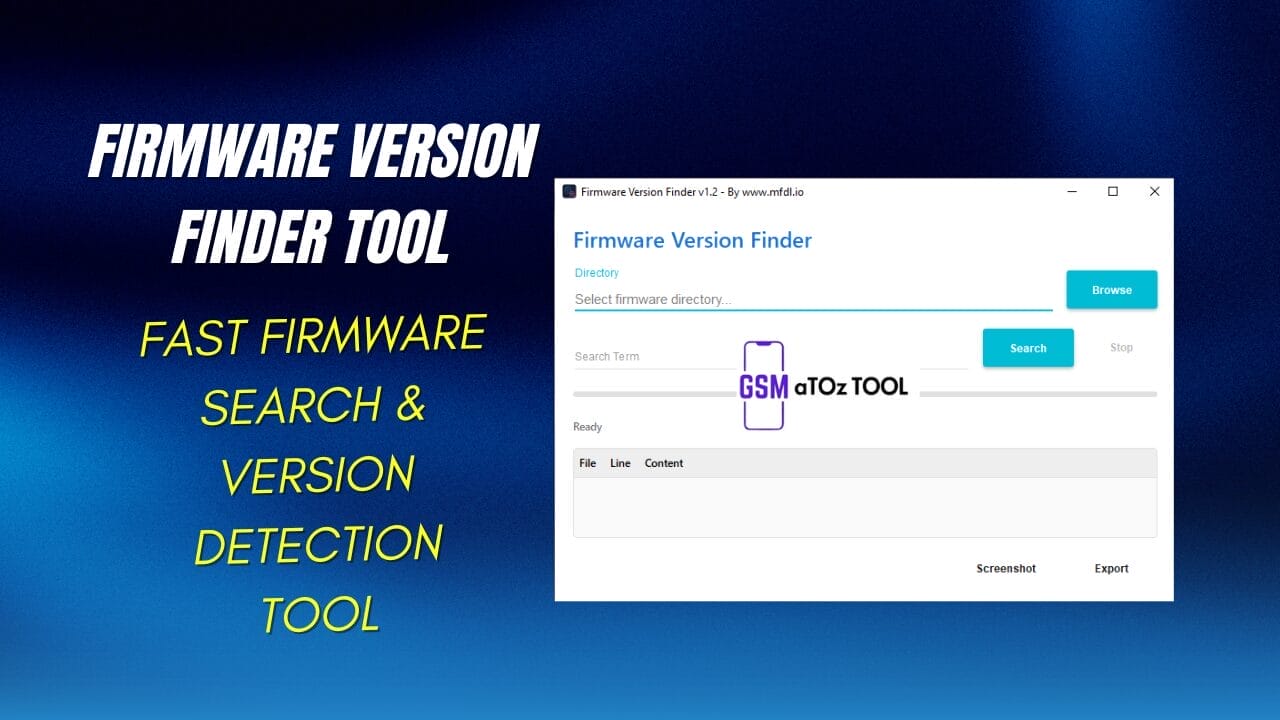
Firmware version finder tool v1. 3 fast firmware search & version detection tool
If You Have Ever Struggled To Find The Exact Firmware File For Your Device You Know How Confusing And Frustrating It Can Be. Searching Through Folders Checking Versions Line By Line And Still Not Being Sure If It’s The Right One Can Waste Hours. That’s Where The Firmware Version Finder Tool Comes In To Make Things Simple And Stress Free.
In This Post You Will Learn How The Firmware Version Finder Tool Works And How It Helps You Quickly Locate The Correct Firmware Using Features Like Directory Selection Search Terms File Details And Export Options. We Will Break Everything Down In Easy Steps So You Can Save Time And Avoid Mistakes. By The End You Will Feel Confident Using It To Find Exactly What You Need.
Why You Need A Firmware Version Finder Tool?
If You’ve Ever Searched Through Endless Firmware Folders You Already Know How Frustrating It Gets. One Wrong File Can Cause Errors Boot Issues Or Failed Installations. A Reliable Firmware Version Finder Tool Helps You Avoid Those Mistakes By Quickly Scanning Directories And Showing Precise Version Details.
Think Of It Like A Search Engine Made Specifically For Firmware Files. Instead Of Guessing You Get Structured Results Showing The Exact File Line And Content Where The Version Appears. That Saves Time And Gives You Confidence Before Flashing Or Updating.
Also Read:
Whatsaap Groups Link:
- GSM ATOZ TOOLS SOFTWAR:: Group Link Join
- GSM ATOZ TOOLS Tech::Group Link Join
- GSM ATOZ TOOLS EXPERTS::Group Link Join
- WORLD OF GSM ATOZ TOOLS::Group Link Join
- GSM ATOZ TOOLS MOBILE SOFTWARE::Group Link Join
Join Us On Telegram
- Telegram Channel: GSM ATOZ TOOLS::Link Join
- Telegram Group Link: GSM ATOZ TOOLS:: Link Join
How To Select The Correct Firmware Directory?
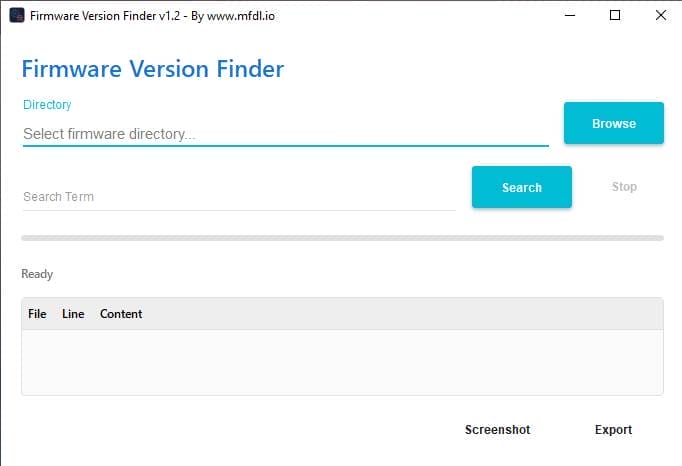
The First Step Is Simple Select Firmware Directory Carefully.don’t Just Browse Randomly And Hope For The Best. Choose The Main Folder Where Your Firmware Files Are Stored So The Tool Can Scan Everything Properly.
Once You Click Browse The Tool Prepares To Scan And Shows A Ready Status. From There It Analyzes Each File Inside The Directory And Checks Relevant Content Automatically. This Ensures No Important Version Information Gets Missed During The Search.
Using The Search Term Option Effectively
The Search Term Feature Is Where Things Get Powerful. Instead Of Opening Files Manually Just Enter The Version Number Build Code Or Specific Keyword You’re Looking For. Hit Search And Let The Tool Scan Every File And Line Instantly.
If You Entered The Wrong Keyword You Can Simply Press Stop And Try Again. The Results Clearly Display File Names Matching Lines And Related Content So You Know Exactly Where The Version Is Located. It’s Fast Clean And Much Easier Than Manual Searching.
Benefits Of Using A Firmware Version Finder Tool?
The Biggest Advantage Of Using A Firmware Version Finder Tool Is Speed. What Used To Take 20 Or 30 Minutes Can Now Take Seconds. You Also Reduce Human Error Because The System Checks Every File Systematically.
Another Great Benefit Is Documentation. You Can Take A Screenshot Of The Results Or Use The Export Option To Save Findings For Later Reference. This Becomes Especially Useful When Working On Multiple Devices Or Sharing Reports With A Team.
Feature Functions
- Directory
- Select Firmware Directory
- Browse
- Search Term
- Search
- Stop
- Ready
- File
- Line
- Content
- Screenshot
- Export
What’s New?
Firmware Version Finder Tool V1.3
- Mtk Expdb Analyzer Added
- Integrated With Firmware Version Finder
- Sector Log Analysis Support
- Automatic String Analysis
- Search Function Added
- Works With Multiple Sector Files
- Chipset Component Detection
- Boot Log Pattern Observation
- Supports Extracted Dump Files
- Inspired By Motorola Mtk Device Analysis
How To Use It?
- First, Open The Tool From The Download Option.
- Extract The Rar File And Open The Tool Folder.
- In File Content, You Can Find The Setup File By Simply Double-clicking.

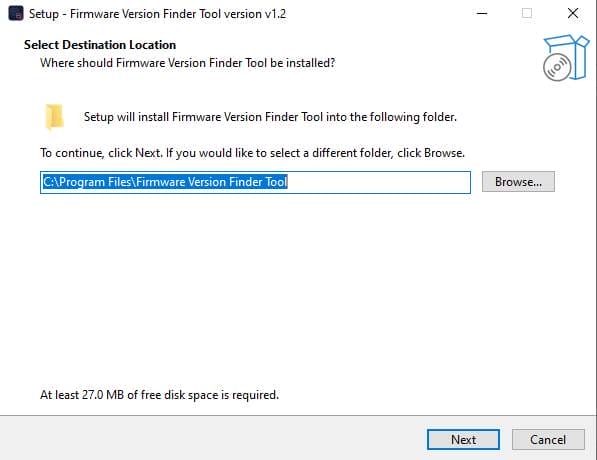
- A Setup Will Open In Front Of You. Click Next To Continue.
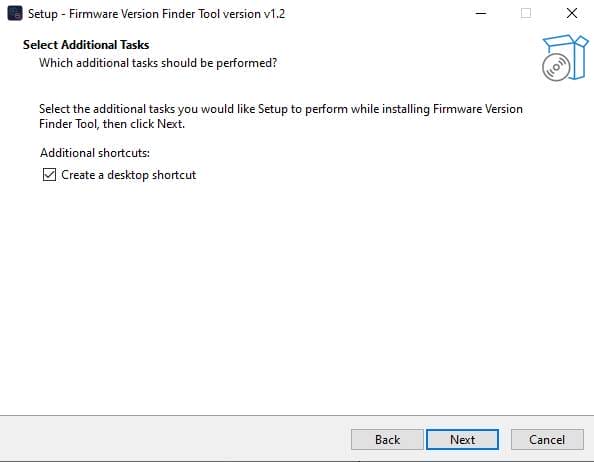
- Click Next To Create A Shortcut.
- Now, A Setup Will Open In Front Of You. Click Install To Continue The Installation.
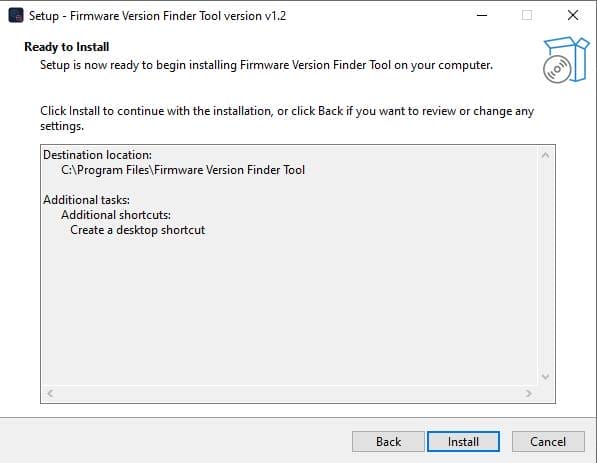
- After Some Time, The Tool Will Be Installed On Your Pc.
- After The Installation Is Complete, Click On Finish To Close The Setup.
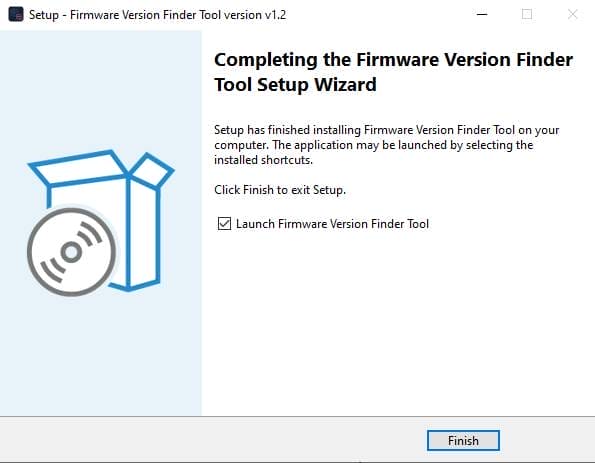
- Go To The Desktop Of Your Pc And Open The Tool.
- Run The Tool As Admin “Firmware Version Finder Tool”.
- The Tool Will Open In Front Of You.
- Use The Features You Need For Free And Enjoy!
Final Thoughts
At The End Of The Day Firmware Management Shouldn’t Feel Overwhelming. With The Firmware Version Finder Tool You Stay In Control And Make Smarter Decisions Before Flashing Or Modifying Anything.
If You Regularly Handle Firmware Files This Tool Isn’t Just Helpful It’s Essential. It Saves Time Prevents Costly Mistakes And Makes Version Detection Simple And Stress Free.
Frequently Asked Questions (Faqs)
What Are Firmware Tools?
Firmware Is A Type Of Software That Manages Hardware Components And Allows Devices To Function Properly. It Provides A Low Level Control Program For A Device’s Specific Hardware. Unlike Application Software Firmware Runs On The Device Itself Rather Than The Operating System.
What Is Device Firmware Version?
Firmware Is Often Referred To As Software For Hardware. However There Is A Difference Between Firmware And Software. Firmware Provides Instructions To Help Hardware Start Up Communicate With Other Devices And Perform Basic Input/output Tasks
How To Find Firmware Version On Android?
Tap Home. All Devices Then Touch And Hold Your Device’s Tile. At The Top Right Tap Settings. Device Information.
How To Access Firmware Settings?
To Enable And Access Uefi Firmware Settings Using Command Prompt Open Cmd Or Powershell And Run The Shutdown /r /fw /t 0 Command. This Command Restarts The System And Forces It To Boot Directly Into The Settings Screen Of The Uefi Firmware.
How To Download?
- Visit The Gsmatoz Tools Website Of The Tool.
- Find The Download Page. Don’t Click The Button, And Click Only The (Download Link)
- Below Buttons Are Advertisements.Please Use The Download Links Above.
- Once The Download Is Complete, Locate The Downloaded File On Your Device.
- Tap On The File To Begin The Installation Process.
- Follow The On-screen Instructions To Complete The Installation.
Firmware Version Finder Tool V1.3






