
Primetool X An Innovative Software Solution Developed Specifically To Simplify Frp Removal For Samsung And Select Xiaomi Devices Such As Redmi A3 Is Now Available! Featuring Intuitive One-click Functionality Users Can Effortlessly Navigate Preloader Or Brom Mode Using Primetool X’s One-click Functionality. At The Same Time It Also Seamlessly Installs Mediatek Drivers And Usbdk Support Within Its Sleek User Interface Unlock Your Phone Now With Confidence!

Primetool x v9. 0 the ultimate frp unlocking and driver installation tool
What Is Primetool X?
Primetool X Is An Advanced Software Solution Designed Specifically To Unlock Frp Lock Devices And Install Drivers Effortlessly. With Its User-friendly Interface And Comprehensive Suite Of Features Tailored To Enhance User Experience Primetool X Not Only Unlocks Devices But Also Provides A Reliable Platform For Managing Mobile Devices Quickly While Installing Necessary Drivers Seamlessly.
Also Read:
Features
- Supports Frp Removal For Samsung And Xiaomi Devices [xiaomi Redmi A3 Device Support Only]
- Works In Preloader | Brom Mode
- Includes Driver Installation For Mediatek And Usbdk
- Simple And Modern User Interface
- One-click Frp Removal
Support Models:
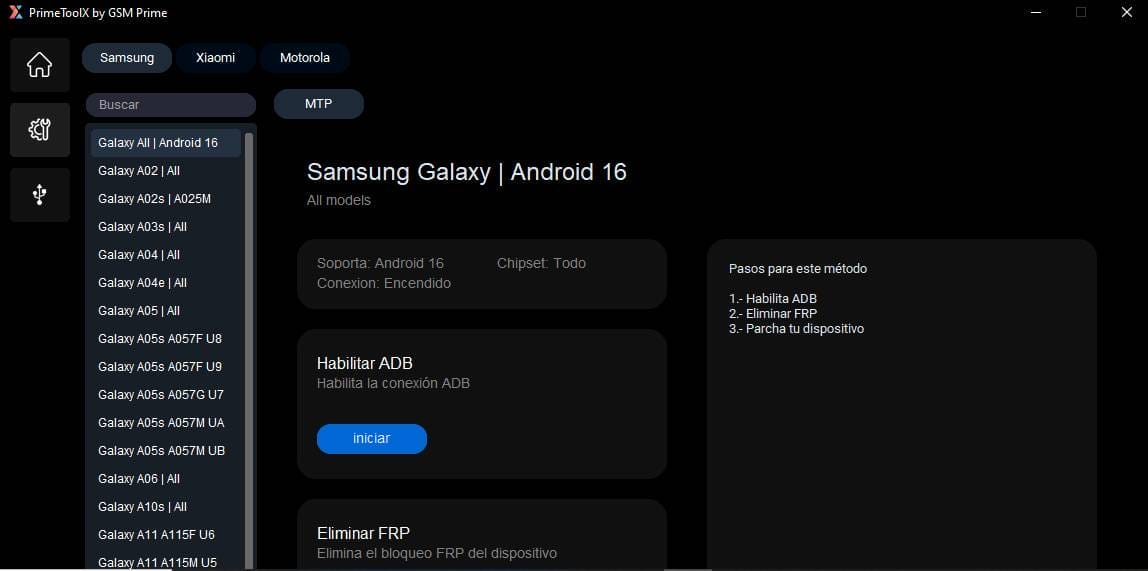
Samsung Devices
- Galaxy All |
- Android 16
- Galaxy A02 |All
- Galaxy A02s |
- A025M
- Galaxy A03s | All
- Galaxy A04 |All
- Galaxy A04e |All
- Galaxy A05 | All
- Galaxy A05s A057F U8
- Galaxy A05s A057F U9
- Galaxy A05s A057G U7
- Galaxy A05s A057M UA
- Galaxy A05s A057M UB
- Galaxy A06 | All
- Galaxy A10s | All
- Galaxy A11 A115F U6
- Galaxy A11 A115M
- Galaxy A20s | A207F
- Galaxy A20s | A207M
- Galaxy A23 A235F UA
Xiaomi Devices
- Redmi A1
- Redmi A2
- Redmi A3
- Redmi 9A
- Redmi 10 2022
- Redmi 12C
- Redmi Note 12S
- Redmi 13C
- Redmi 14C

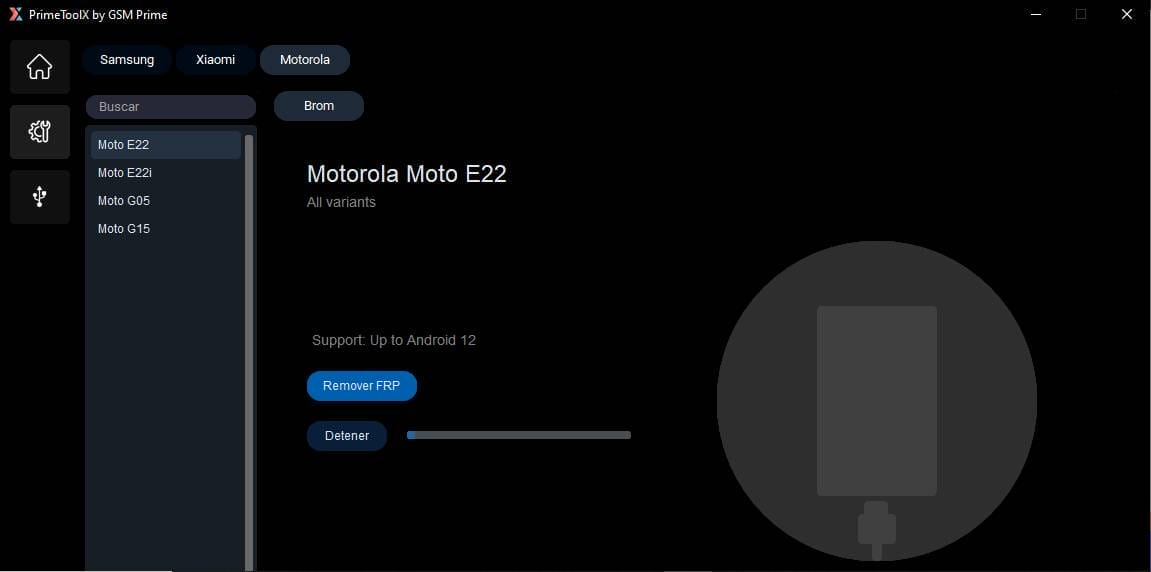
Motorola
- Moto E22
- Moto E22i
- Moto Go5
- Moto G15
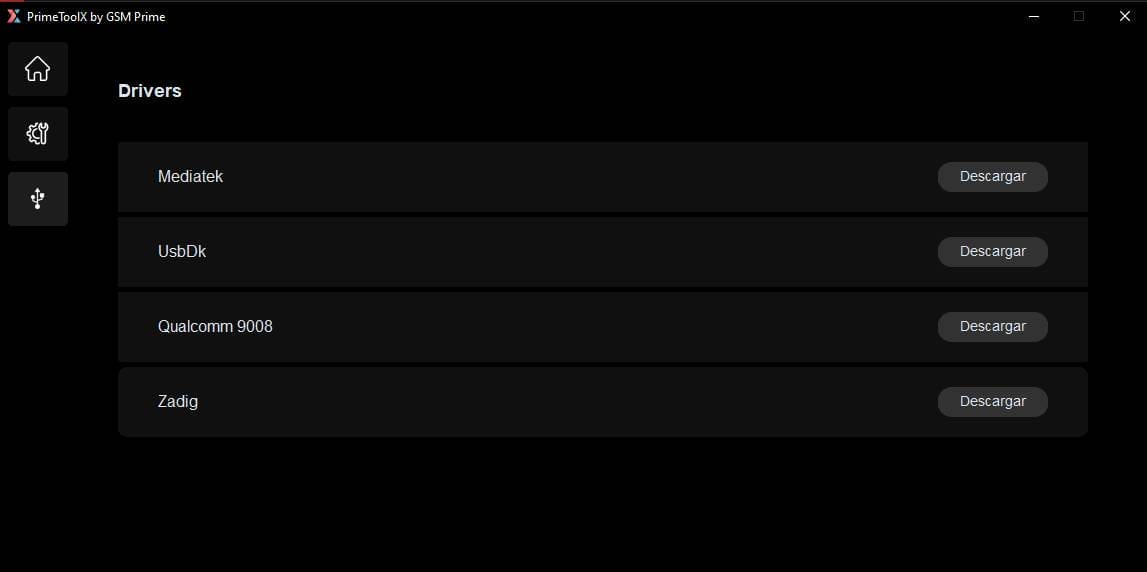
Drivers Included
- Mediatek Driver
- Usbdk Driver
- Qualcomm 9008
- Zadig
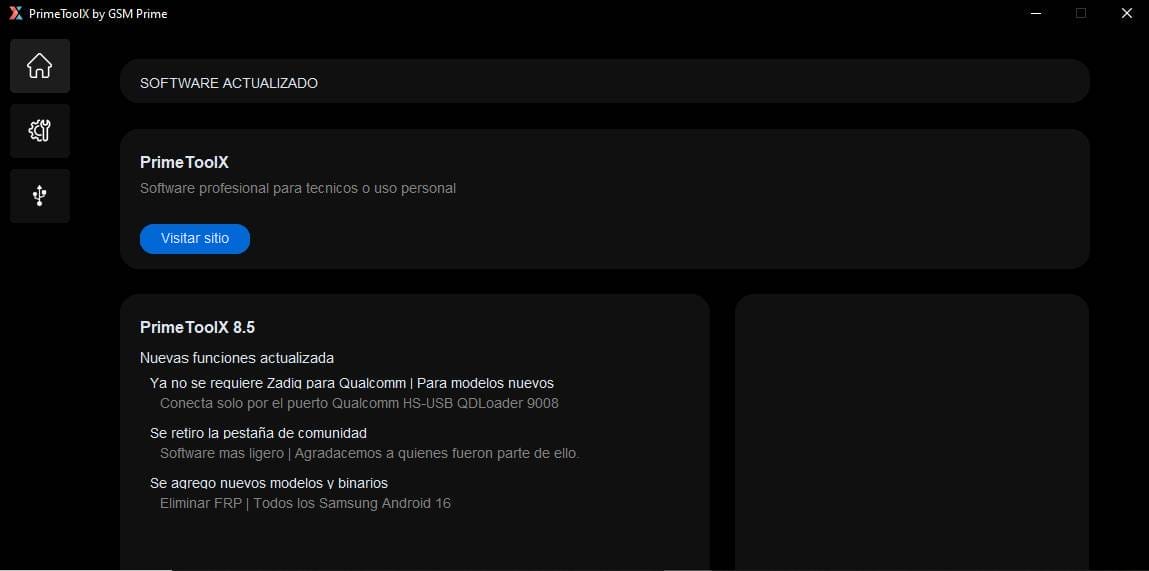
What’s New? In Primetool X v9.0
- Designed For Technicians Or Personal Use
- Stable And Updated Software Version
- Accessible Through The Official Site
How To Use It?
- First, Download The Tool.
- Extract The Rar File And Open The Folder.
- In File Content, You Can Find The Setup File By Simply Double-clicking.

- Run The Tool As Admin “Primetool X”.
- The Tool Will Open On Your Pc Screen.
- Enjoy Using The Tool.
How To Download?
- Visit The Gsmatoz Tools Website Of The Tool.
- Find The Download Page. Don’t Click The Button, And Click Only The (Download Link)
- Below Buttons Are Advertisements. Please Use The Download Links Above.

- Once The Download Is Complete, Locate The Downloaded File On Your Device.
- Tap On The File To Begin The Installation Process.
- Follow The On-screen Instructions To Complete The Installation.
PrimeTool X V9.0






