
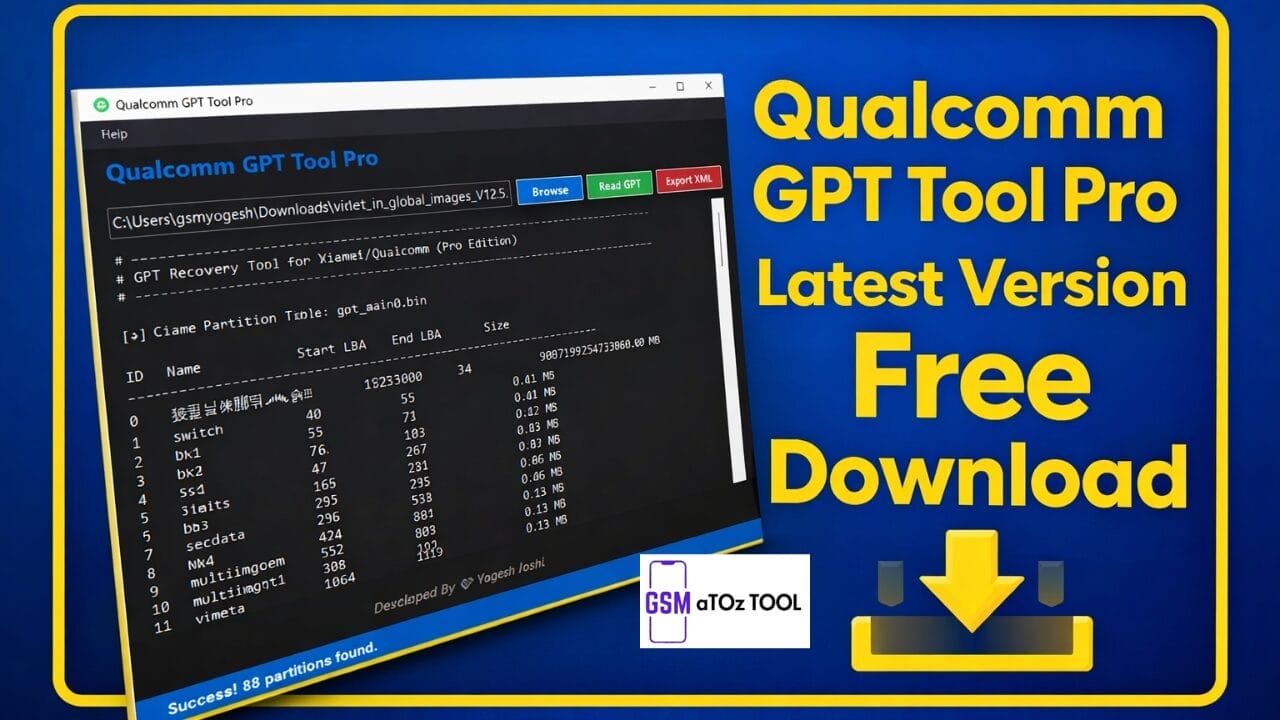
Qualcomm gpt tool pro latest version free download
Qualcomm Gpt Tool Pro Latest Version Free Download Is A Powerful Windows Utility Specially Designed For Repairing, Reading And Managing Gpt (guid Partition Table) Files On Qualcomm-powered Android Devices. This Professional Gsm Servicing Tool Helps Technicians And Advanced Users Fix Partition Issues, Export Gpt Data, And Manage Device Storage Structures Safely.
If Your Qualcomm Device Is Stuck, Bricked, Or Facing Partition Corruption Problems, Qualcomm Gpt Tool Pro Provides A Simple And Efficient Solution With An Easy-to-use Interface.
What Is Qualcomm Gpt Tool Pro?
Qualcomm Gpt Tool Pro Is A Lightweight Software Developed For Analyzing And Editing Gpt Partitions In Qualcomm Chipset Smartphones. Gpt Partitions Control How Storage Is Structured Inside Android Devices, And Any Damage Can Cause Boot Errors Or Flashing Failures.
The Tool Allows Users To Read Gpt Files, Analyze Partition Layouts, And Export Xml Files For Flashing Or Repairing Purposes.Many Qualcomm Servicing Tools Focus On Firmware Flashing, But Gpt Tool Pro Specifically Targets Partition Management, Which Makes It Highly Useful During Advanced Repairs.
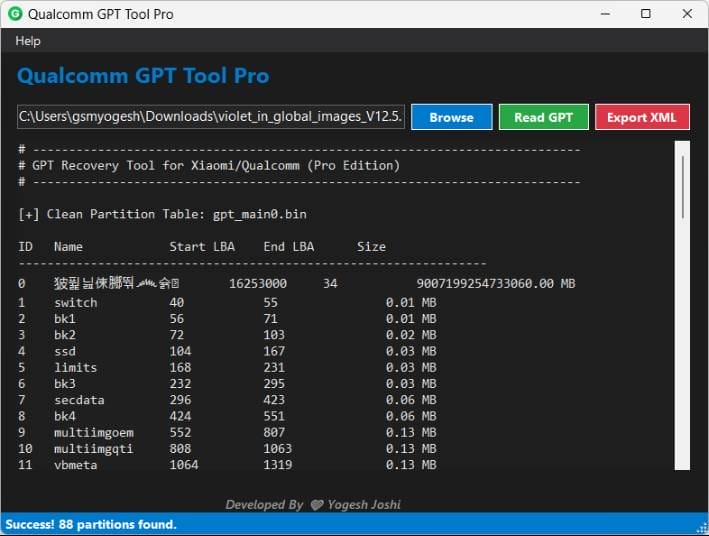
Similar Qualcomm Servicing Utilities Like The Qpst Tool Are Commonly Used For Firmware Flashing, While Gpt Tool Pro Focuses On Gpt Structure Handling.
Also Read:
Whatsaap Groups Link:
- GSM ATOZ TOOLS SOFTWAR:: Group Link Join
- GSM ATOZ TOOLS Tech::Group Link Join
- GSM ATOZ TOOLS EXPERTS::Group Link Join
- WORLD OF GSM ATOZ TOOLS::Group Link Join
- GSM ATOZ TOOLS MOBILE SOFTWARE::Group Link Join
Join Us On Telegram
- Telegram Channel: GSM ATOZ TOOLS::Link Join
- Telegram Group Link: GSM ATOZ TOOLS:: Link Join
Key Features Of Qualcomm Gpt Tool Pro
- Read Gpt Partition
- Export Xml Function
- Qualcomm Device Support
Benefits Of Using Qualcomm Gpt Tool Pro
- Fix Partition-related Boot Issues
- Analyze Firmware Gpt Structures
- Helpful For Unbricking Devices
- Supports Professional Gsm Repair Work
- Saves Time During Firmware Troubleshooting
Partition Repair Tools Are Essential Because Gpt Errors Can Prevent Firmware Flashing Or Device Booting Entirely.
How To Use It?
- First, Open The Tool From The Download Option.
- Extract The Rar File And Open The Tool Folder.
- In File Content, You Can Find The Setup File By Simply Double-clicking.

- A Setup Will Open In Front Of You. Click Next To Continue.
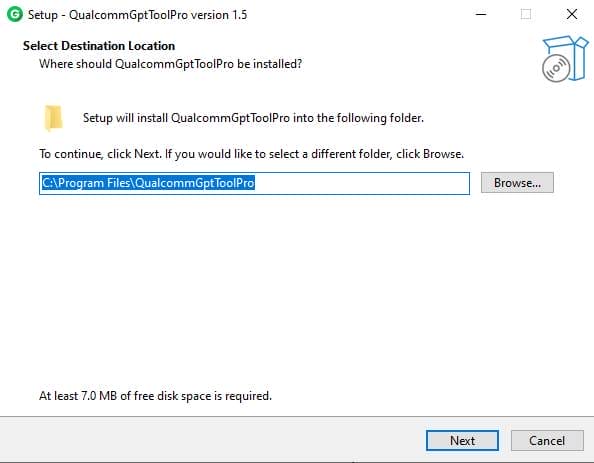
- Click Next To Create A Shortcut.
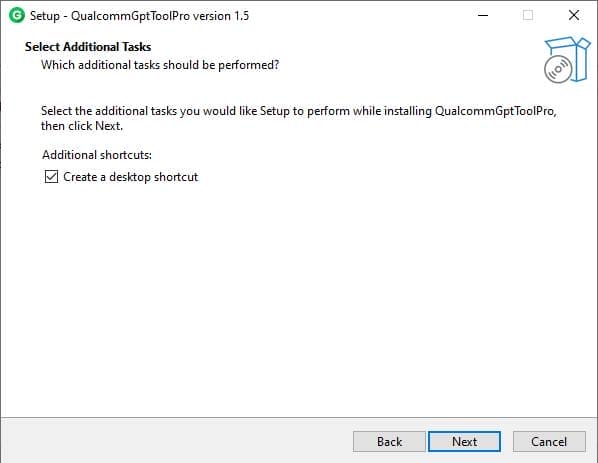
- Now, A Setup Will Open In Front Of You. Click Install To Continue The Installation.
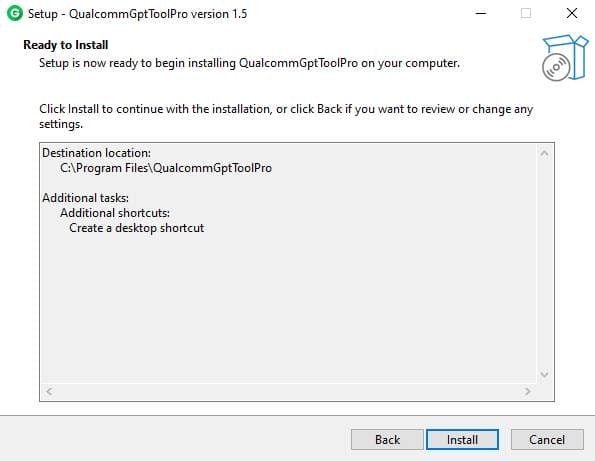
- After Some Time, The Tool Will Be Installed On Your Pc.
- After The Installation Is Complete, Click On Finish To Close The Setup.
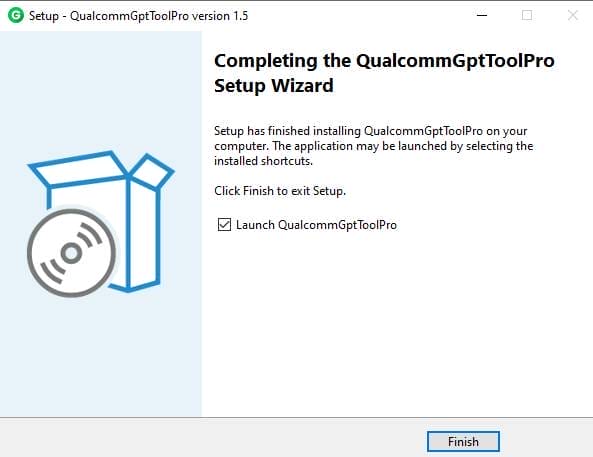
- Go To The Desktop Of Your Pc And Open The Tool.
- Run The Tool As Admin “Qualcomm Gpt Tool Pro”.
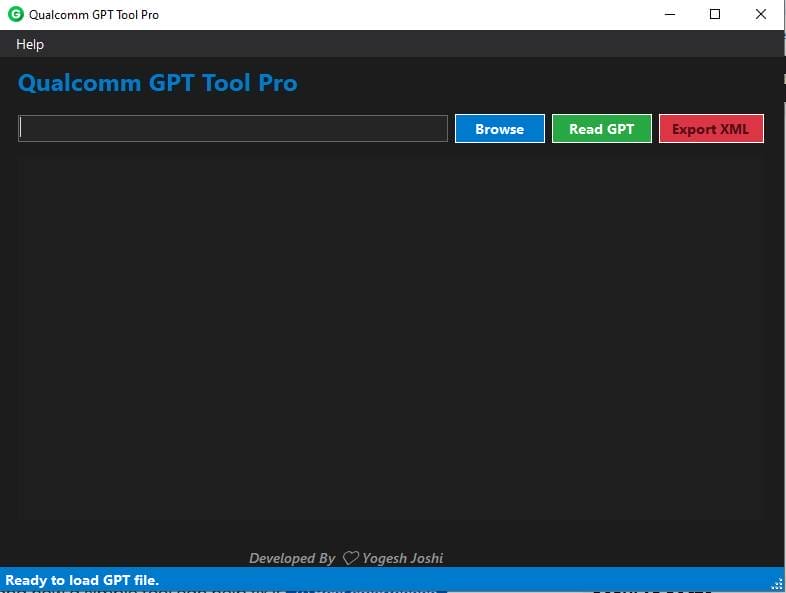
- The Tool Will Open In Front Of You.
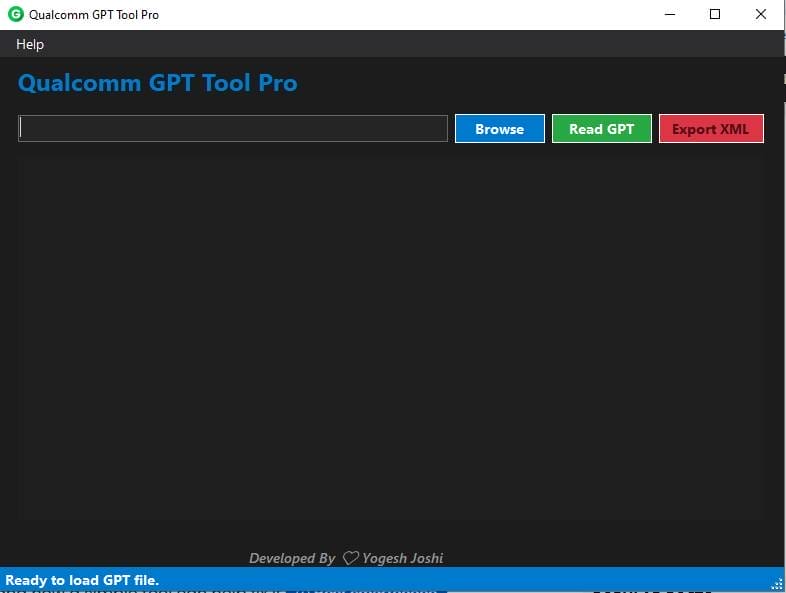
- Click Browse And Select The Gpt File.
- Press Read Gpt To Analyze Partitions.
- Use Export Xml To Save Partition Data.
Faqs:
Is Qualcomm Gpt Tool Pro Free?
Yes, Many Versions Are Available For Free Download For Gsm Repair Usage.
Which Devices Are Supported?
All Major Android Phones Running Qualcomm Snapdragon Chipsets.
Does It Flash Firmware?
No, It Mainly Reads And Exports Gpt Partition Data.
Is This Tool Safe To Use?
Yes, When Downloaded From Trusted Sources And Used Correctly.
5. Do I Need Technical Knowledge?
Basic Gsm Or Android Repair Knowledge Is Recommended.
Conclusion
Qualcomm Gpt Tool Pro Latest Version Is An Essential Utility For Gsm Technicians And Advanced Android Users Dealing With Qualcomm Devices. With Features Like Gpt Reading, Xml Export, And Partition Analysis, The Tool Simplifies Complex Repair Tasks And Helps Restore Damaged Devices Quickly.
If You Regularly Repair Qualcomm Smartphones, This Lightweight Gpt Management Tool Can Significantly Improve Your Workflow.
How To Download?
- Visit The Gsmatoz Tools Website Of The Tool.
- Find The Download Page. Don’t Click The Button, And Click Only The (Download Link)
- Below Buttons Are Advertisements. Please Use The Download Links Above.
- Once The Download Is Complete, Locate The Downloaded File On Your Device.
- Tap On The File To Begin The Installation Process.
- Follow The On-screen Instructions To Complete The Installation.
Qualcomm Gpt Tool Pro






