
Tfm MultiTool Pro Flashing And Reset Your Device Is A Powerful Windows-based Mobile Servicing Utility Specially Developed For Spd / Unisoc Devices. This Beta Release Is Shared Strictly For Learning And Testing Purposes Making It Ideal For Beginners And Technicians Who Want To Practice Flashing Resetting And Performing Basic Software Repairs Without Any Paid Activation.
Currently This Version Supports Only Spd / Unisoc Chipset Functions So Users Should Not Expect Features For Other Processors. If You Are Looking To Build Skills On Spd Phones Fix Common Software Problems Or Safely Explore Mobile Flashing Tools Tfm MultiTool Pro Provides A Reliable Environment To Get Started.
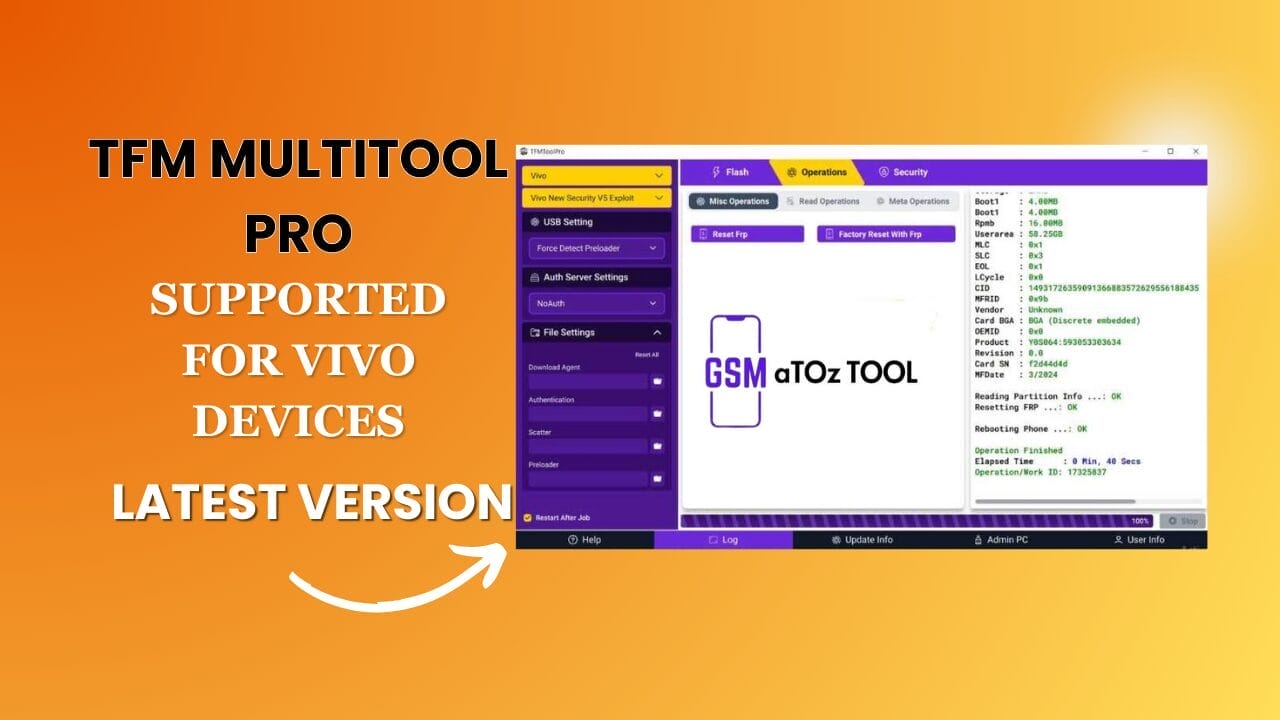
Tfm multi tool pro v3. 3. 3 latest version free download
What Is Tfm MultiTool?
Tfm MultiTool Is A Windows-based Mobile Servicing Utility Created Mainly For Spd / Unisoc Device Support Only. It’s Designed For Users Who Want A Simple Way To Explore Mobile Testing Flashing And Repair Work Without Dealing With Complicated Setups. If You’re Learning Phone Servicing Or Practicing Software Fixes This Tool Gives You A Safe And Beginner-friendly Place To Start.
What Makes It Stand Out Is Its Focus On Diag Mode Operations Which Let You Communicate Directly With Supported Devices. Through This Mode You Can Read Device Information In Diag Mode Perform A Factory Reset Using Diag Mode And Access Essential Service Features. The Software Also Comes With A Simple And Clean User Interface So You Don’t Feel Lost Even On Your First Run.
Also Read:
Whatsaap Groups Link:
- GSM ATOZ TOOLS SOFTWAR:: Group Link Join
- GSM ATOZ TOOLS Tech::Group Link Join
- GSM ATOZ TOOLS EXPERTS::Group Link Join
- WORLD OF GSM ATOZ TOOLS::Group Link Join
- GSM ATOZ TOOLS MOBILE SOFTWARE::Group Link Join
Join Us On Telegram
- Telegram Channel: GSM ATOZ TOOLS::Link Join
- Telegram Group Link: GSM ATOZ TOOLS:: Link Join
What Are The Benefits Of Using Tfm Multitool Pro?
One Of The Biggest Benefits Is How Practical The Tool Feels. Instead Of Overwhelming You With Endless Menus, It Keeps Things Organized Through A Basic Security And Operations Tab. This Means You Can Quickly Reach The Most Used Functions Without Wasting Time. For Example Checking Phone Details Or Preparing A Device For Repair Becomes Much Smoother.
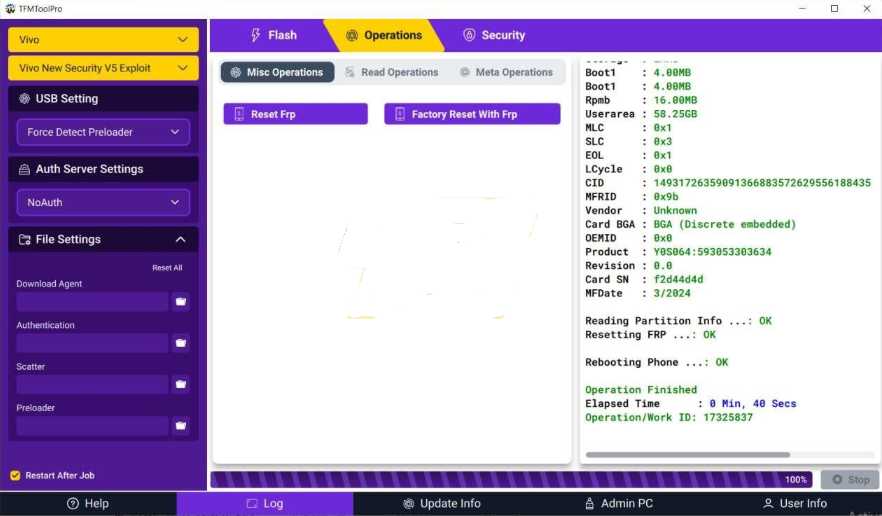
It Also Supports Advanced But Useful Features Like Reset Frp On Supported Spd Devices, Partition Manager Access And Secure Maintenance Options. These Functions Are Especially Helpful When A Phone Is Locked, Stuck, Or Behaving Oddly. Whether You’re A Student, A Hobbyist Or A Technician The Tool Gives You Hands-on Experience That Builds Real Confidence.
Tfm MultiTool Latest Version Download
The Latest Version Focuses On Better Stability And Improved Support For Spd-based Phones. It Includes Pac Firmware Flashing Support Allowing You To Install Or Repair Firmware When A Device Won’t Boot Or Needs A Clean Software Restore. This Makes It Useful Not Only For Testing But Also For Solving Common Real-world Software Problems.
If You’re Serious About Learning Mobile Servicing Downloading The Newest Release Is A Smart Move. You Get Updated Functions Smoother Performance And Better Compatibility With Current Spd Models. In Short It’s A Handy All-in-one Solution For Anyone Who Wants To Practice Flashing Resetting And Basic Mobile Repair Work On Supported Devices.
Features
Flash:
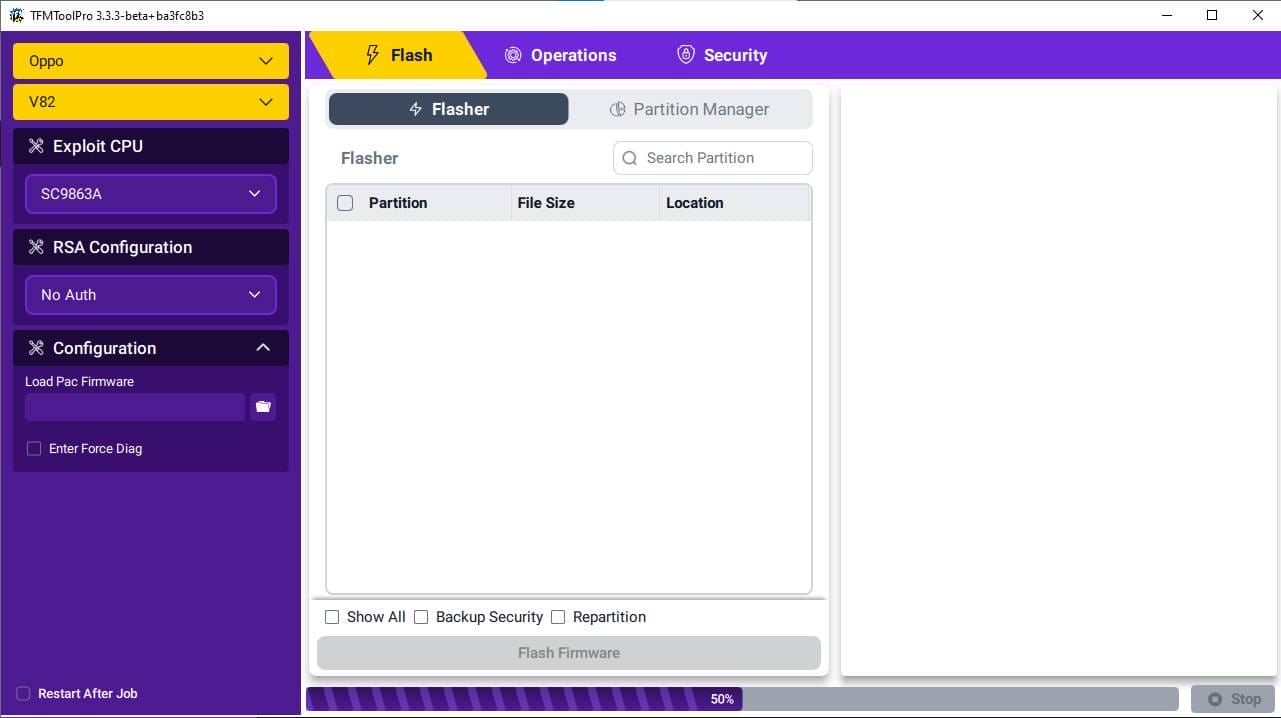
Flasher
- FlasherPartition
- File Size
- Location
- Show All
- Backup Security
- Repartition
Partition Manager:
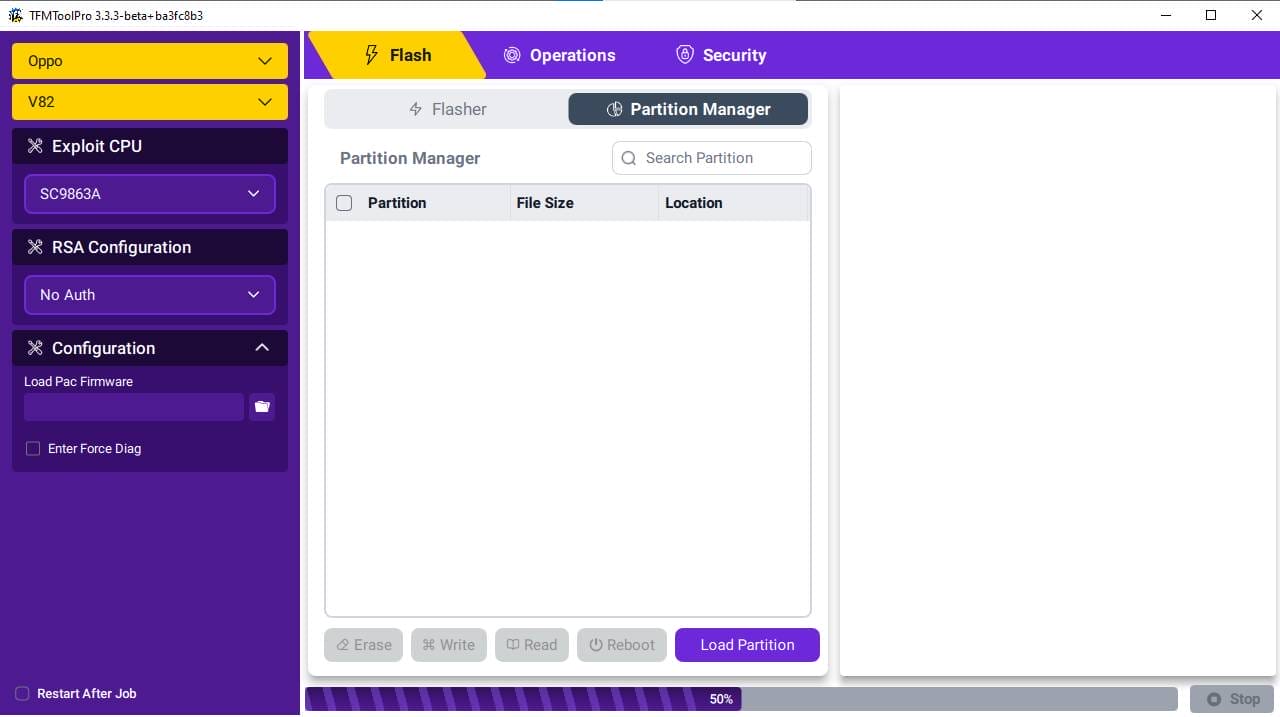
- Partition
- File Size
- Location
- Erase
- Write
- Read
- Reboot
- Load Partition
Operations:
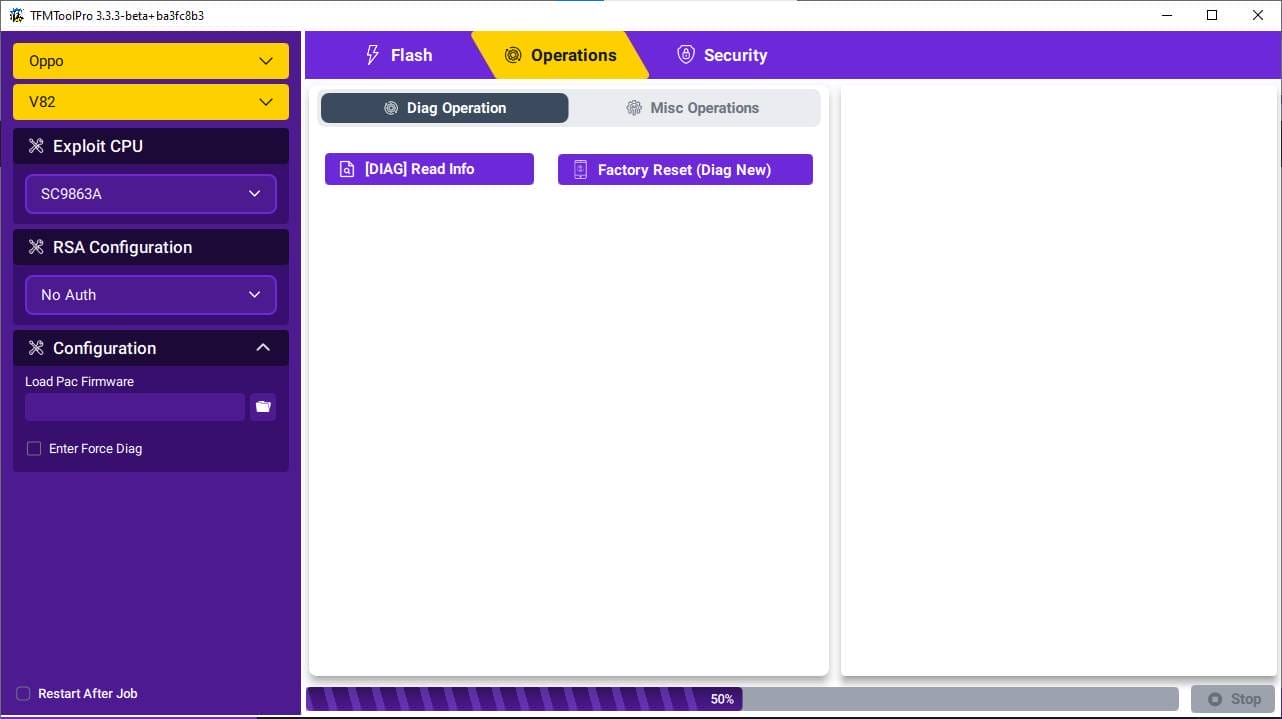
Diag Operation
- [Diag] Read Info
- Factory Reset (Diag New)
Misc Operation
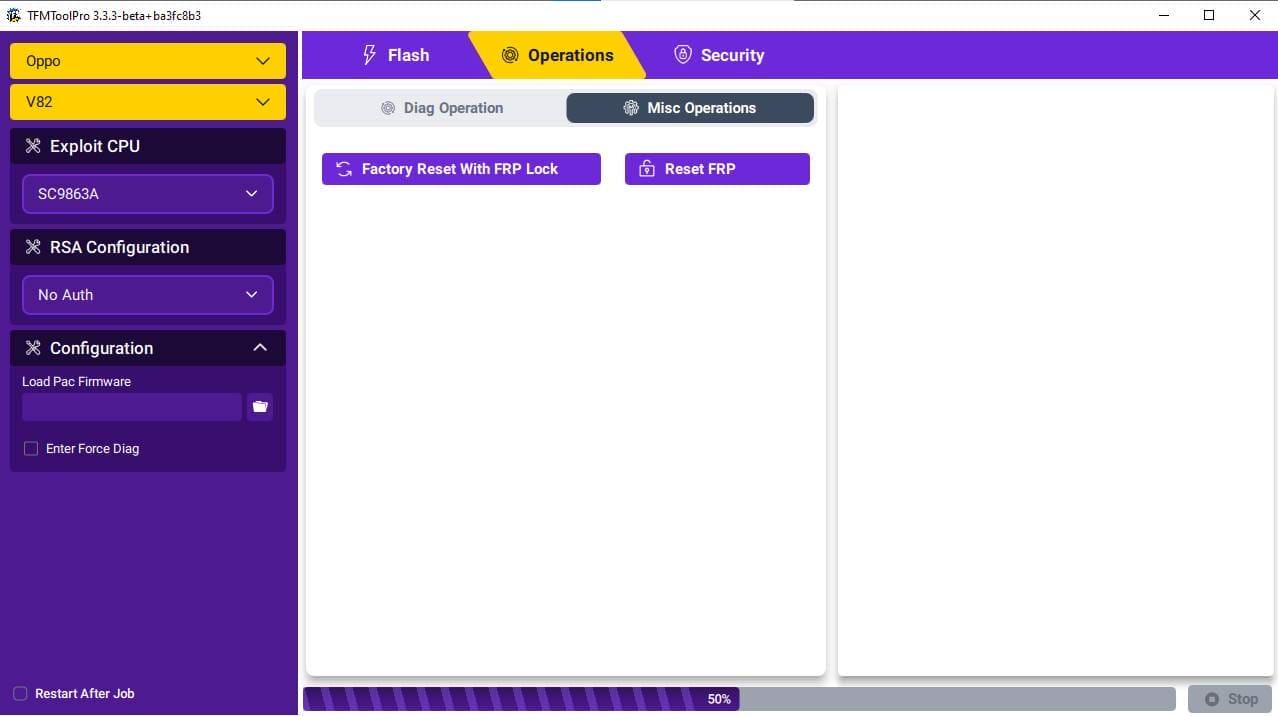
- Factory Reset With Frp Lock
- Reset Frp
- Security
Expoit CPU:
- SC9863A
- No Exploit
- SC7731E
- SC9832E
- SC9863A
- SC9863A
- SC9863A_64
- TIGER_T310
- TIGER_T606_64
- TIGER_T610_64
- TIGER_T612_64
- TIGER_T616_64
- TIGER_T700_64
RSA Configuration
- No Auth
- No Auth
- Itel/Tecno/Infinix RSA Auth
- Levnovo RSA Auth
- Itel/Tecno/Infinix RSA Auth V2
- Itel/Tecno/Infinix RSA Auth V1
Configuration:
- Enter Force Diag
- Restart After Job
How To Use It?
- First, Download The Tool.
- Extract The Rar File And Open The Folder.
- Open The Extracted Folder And Run Tfm login multi tool exe.
- The Program Will Open In Front Of You Ask For Activation And Will Show Your Hwid. Copy The Hwid.
- Now Open Whatsapp And Send Your Copied Hwid To[+91 8668709402].
- Only Paste The Hwid And Wait For A Response.
- Once You Receive The Activation Key Copy It And Paste It Into The Required Field.
- After Successful Activation Windows May Ask For Some Permissions. Allow Them.
- In File Content, You Can Find The Setup File By Simply Double-clicking.

- Run The Tool As Admin “Tfm Multitool Pro “.
- A Login Page Open In Front Of You. Enter Any E-mail And Password Click On Login
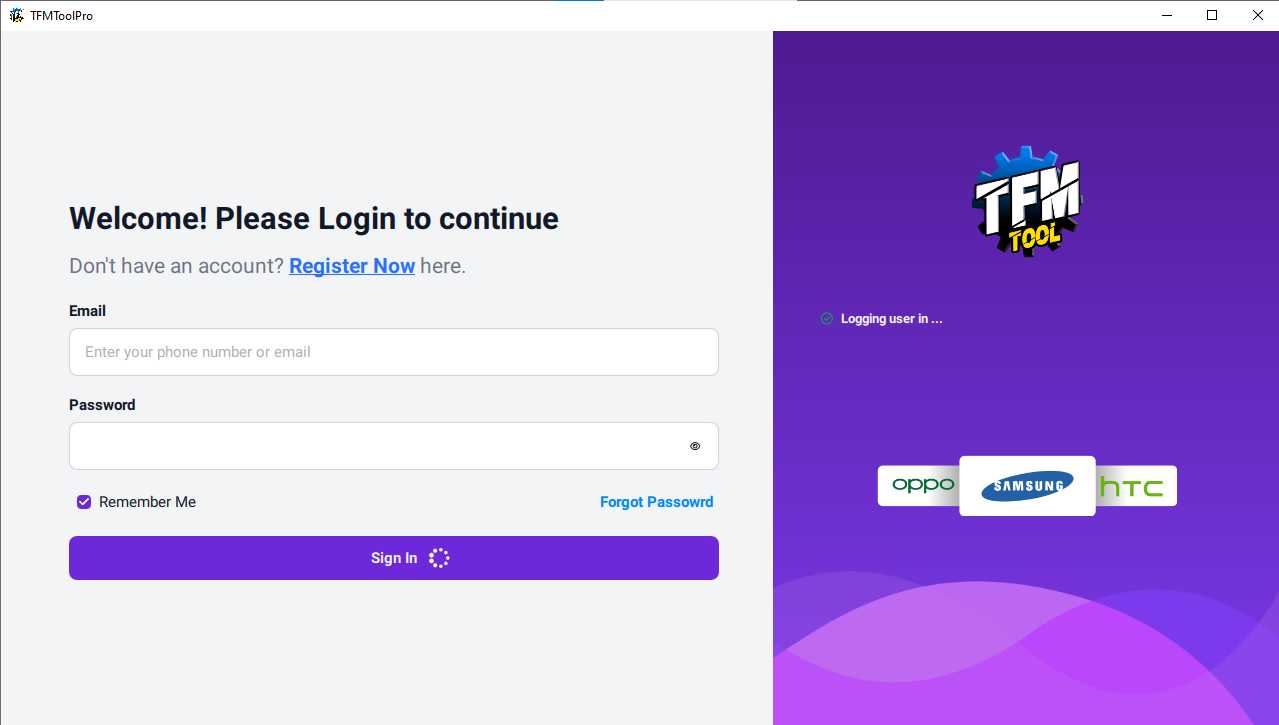
- The Tool Will Open On Your Pc Screen.
- Enjoy Using The Tool.
FAQS:
What Is Tfm MultiTool Pro Used For?
Tfm MultiTool Pro Is Used To Flash Firmware, Reset Devices Read Phone Information And Perform Basic Repair Operations On Supported Spd / Unisoc Smartphones.
Does Tfm MultiTool Pro Support All Chipsets?
No, This Version Supports Only Spd / Unisoc Devices, And It Does Not Provide Functions For Qualcomm Mediatek Or Other Processors.
Can I Reset Frp Using Tfm MultiTool Pro?
Yes, The Tool Allows You To Reset Frp On Supported Spd Devices Through Its Built-in Security And Diag Mode Features.
Is Tfm MultiTool Pro Free To Use?
This Beta Version Is Shared For Learning And Testing Purposes And Can Be Used Without Paid Activation Making It Suitable For Beginners And Practice Work.
What Firmware Format Does The Tool Support For Flashing?
Tfm MultiTool Pro Supports Pac Firmware Files Which Are Commonly Used For Flashing Spd / Unisoc Devices.
Conclusion
Tfm MultiTool Pro Is A Practical And Beginner-friendly Solution For Anyone Who Wants To Work With Spd / Unisoc Devices. With Its Support For Diag Mode Operations Frp Reset Pac Firmware Flashing And A Clean User Interface It Offers The Essential Features Needed For Learning Testing And Basic Mobile Repair Tasks.
Whether toggle Through Phone Issues Practicing Flashing Procedures Or Exploring Mobile Servicing Tools This Utility Provides A Reliable Starting Point Without The Need For Paid Activation. If Your Goal Is To Build Real Skills In Mobile Software Servicing Tfm Multi Tool Pro Is A Smart Tool To Keep In Your Toolkit.
How To Download?
- Visit The Gsmatoz Tools Website Of The Tool.
- Find The Download Page. Don’t Click The Button, And Click Only The (Download Link)
- Below Buttons Are Advertisements. Please Use The Download Links Above.

- Once The Download Is Complete Locate The Downloaded File On Your Device.
- Tap On The File To Begin The Installation Process.
- Follow The On-screen Instructions To Complete The Installation.
TFM MultiTool Pro
Password: [gsmyogesh.com]






