
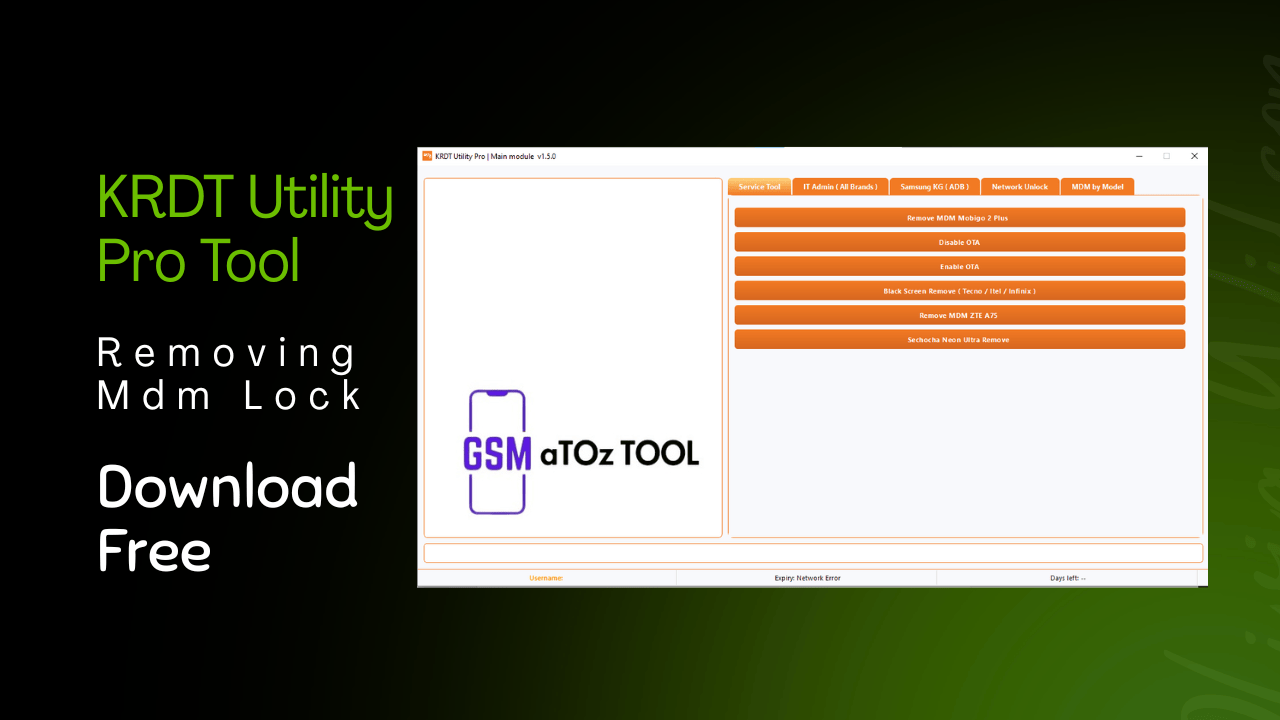
Krdt utility pro tool v1. 5. 0 removing mdm lock
If You’ve Ever Felt Stuck With A Locked Android Phone Mdm Restrictions Or Annoying It Admin Controls You’re Not Alone. Many Technicians And Users Search Late At Night Hoping To Find One Reliable Tool That Actually Works Instead Of Wasting Time On Failed Methods. That Frustration Is Usually What Leads People To Look For Something Powerful Like The Krdt Utility Pro Tool.
In This Blog Post We’ll Explain How The Krdt Utility Pro Tool Helps Handle Tasks Like Mdm Removal It Admin Control Kg Unlock Methods And Advanced Android Patches Across Many Brands. You’ll Get A Clear Overview Of Its Features Supported Models And Why It’s Trusted By Professionals. By The End You’ll Know Whether This Tool Is The Right Solution For Your Daily Repair And Unlocking Needs.
What Is Krdt Utility Pro Tool?
Krdt Utility Pro Tool Is A Professional Service Tool Designed For Android Technicians Who Deal With Mdm, It Admin And Samsung Kg Issues Daily. It Works Through Adb And Usb Based Methods To Read Device Info Apply Patches And Remove Restrictions Across Many Brands. The Focus Is On Speed Compatibility And Support For New Android Versions.
What Makes Krdt Utility Pro Tool Stand Out Is Its All-in-one Approach. Instead Of Switching Between Multiple Tools You Can Handle Tasks Like Read Info Adb All Brands Network Unlock And Model-based Mdm Removal From One Interface. This Saves Time And Reduces The Risk Of Errors During Repair Jobs.
Also Read:
- Umt Unisoc Module Tool V1.5
- Mysterious-Dev Tool V1.0.5
- Samsung Flasher Tool V1.1
- UMT Ultimate Samsung Tool V0.8
- Android Multi Tool
Whatsaap Groups Link:
- GSM ATOZ TOOLS SOFTWAR:: Group Link Join
- GSM ATOZ TOOLS Tech::Group Link Join
- GSM ATOZ TOOLS EXPERTS::Group Link Join
- WORLD OF GSM ATOZ TOOLS::Group Link Join
- GSM ATOZ TOOLS MOBILE SOFTWARE::Group Link Join
- GSM ATOZ TOOLS 🔗::Group Link Join
- GSM ATOZ TOOLS Tech Solution::Group Link Join
- GSM ATOZ TOOLS GENIUS::Group Link Join
- GSM ATOZ TOOLS CONNECTION:: Group Link Join
Join Us On Telegram
- Telegram Channel: GSM ATOZ TOOLS::Link Join
- Telegram Group Link: GSM ATOZ TOOLS:: Link Join
Benefits Of Useing Krdt Utility Pro Tool?
One Major Benefit Is Wide Device Support Including Tecno, Infinix Itel Samsung Vivo Zte And Google Pixel Devices. Features Like Black Screen Remove Tecno / Itel / Infinix And Google Pixel Sim Unlock Android 9 To 15 Help Solve Problems That Usually Need Separate Tools. For Busy Technicians That Flexibility Matters A Lot.
Another Advantage Is Support For New Security Patches. With Options Like Auto Patch Pattern-based Super Device Patch And Factory Reset Disable All New Security 2025 The Tool Stays Useful Even As Android Security Evolves. You’re Not Stuck Using Outdated Methods That No Longer Work.
How To Remove Mdm Lock?
Removing Mdm Becomes Much Easier When The Tool Supports Multiple Methods. You Can Remove Mdm By Model Handle Brand Specific Locks Like Remove Mdm Mobigo 2 Plus Or Remove Mdm Zte A75 And Apply The Latest Patch Based Solutions. The Process Usually Starts By Connecting The Phone Via Usb And Using Read Info Adb To Confirm The Device State.
After That You Select The Correct Model Or Patch Option And Apply The Removal With A Few Clicks. Features Like Remove Mdm Infinix / Itel / Tecno Latest Patch And Mdm Bypass Test Mode New Patch All 2025 Help Cover Both Old And New Devices. This Structured Flow Reduces Trial And Error.
How To Fix It Admin Issues?
It Admin Locks Can Be Tricky Especially On Newer Android Versions. The Tool Provides Targeted Options Such As Remove It Admin Android 15 Remove It Admin Universal And It Admin Hyper Os Android 15. These Functions Are Designed To Work Without Rooting The Device Which Keeps Things Safer.
For Specific Brands You’ll Find Dedicated Support Like It Admin Vivo New Security And It Admin Tecno / Infinix / Itel. Instead Of Using Risky Manual Commands You Follow Guided Steps That Apply Tested Methods. This Makes It Admin Removal More Predictable And Less Stressful.
How To Samsung Kg Problems Are Solved With This Tool?
Samsung Kg Locks Often Change With Every Update, But This Tool Keeps Up. It Includes Samsung Kg (adb) Kg Status Check, And Multiple Methods For Kg Android 14 Including New Method 1, 2, And 3. There’s Also Support For Kg Android 13 Patches Covering Different Security Levels.
For Professional Use, Samsung Kg Manager Professional Helps Manage And Unlock Devices More Efficiently. By Checking Kg Status First And Then Applying The Correct Method You Avoid Unnecessary Steps. This Clear Workflow Helps You Solve Kg Problems Faster And With More Confidence.
Features:
Service Tool

- Remove MDM Mobigo 2 Plus
- Disable OTA
- Enable OTA
- Black Screen Remove (Tecno / Itel / Infinix)
- Remove MDM ZTE A75
- Sechocha Neon Ultra Remove
IT Admin
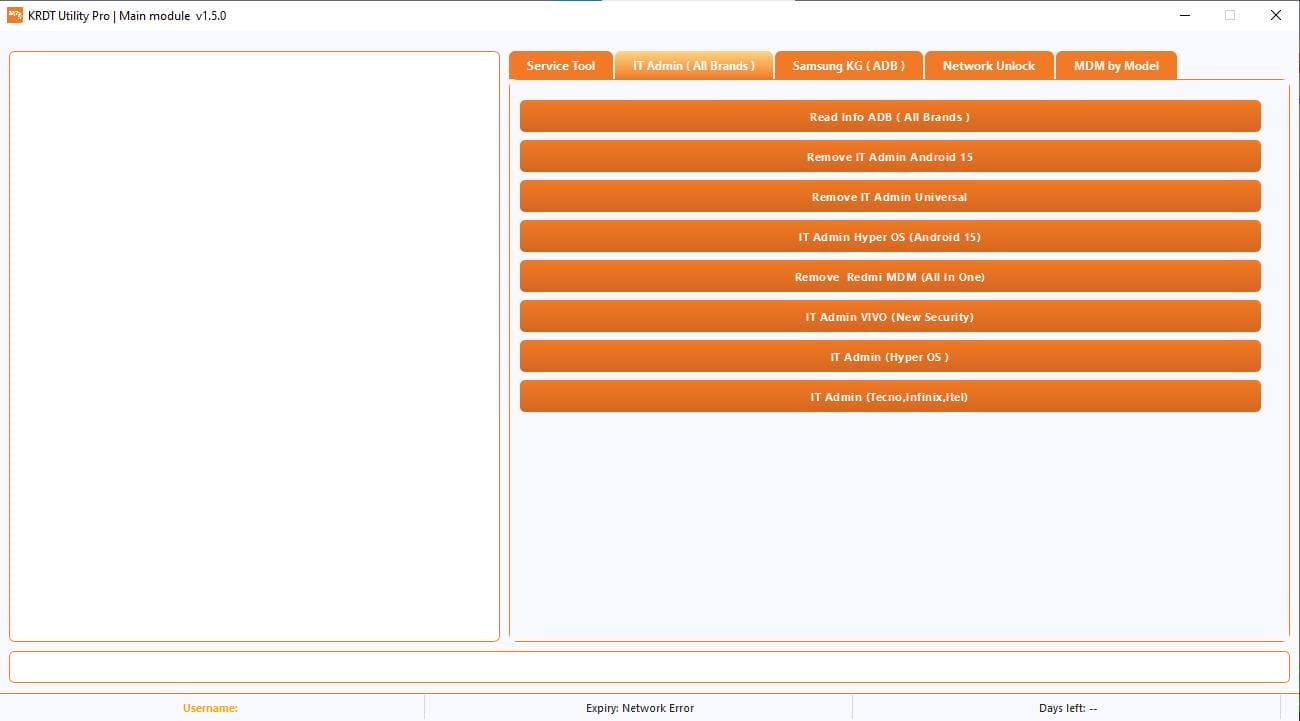
- Read Info ADB (All Brands)
- Remove IT Admin Android 15
- Remove IT Admin Universal
- IT Admin Hyper OS (Android 15)
- Remove Redmi MDM (All In One)
- IT Admin VIVO (New Security)
- IT Admin (Hyper OS)
- IT Admin (Tecno / Infinix / Itel)
Samsung KG (ADB)

- KG Android 14 – New Method 1
- KG Android 14 – New Method 2
- KG Android 14 – New Method 3
- KG Android 14 (All Patch)
- KG Status Check
- KG Android 13 (New Patch)
- KG Android 13 (03-24)
- Samsung KG Manager (Professional)
- KG Android 13 (07-23)
Network Unlock
Unlock by USB
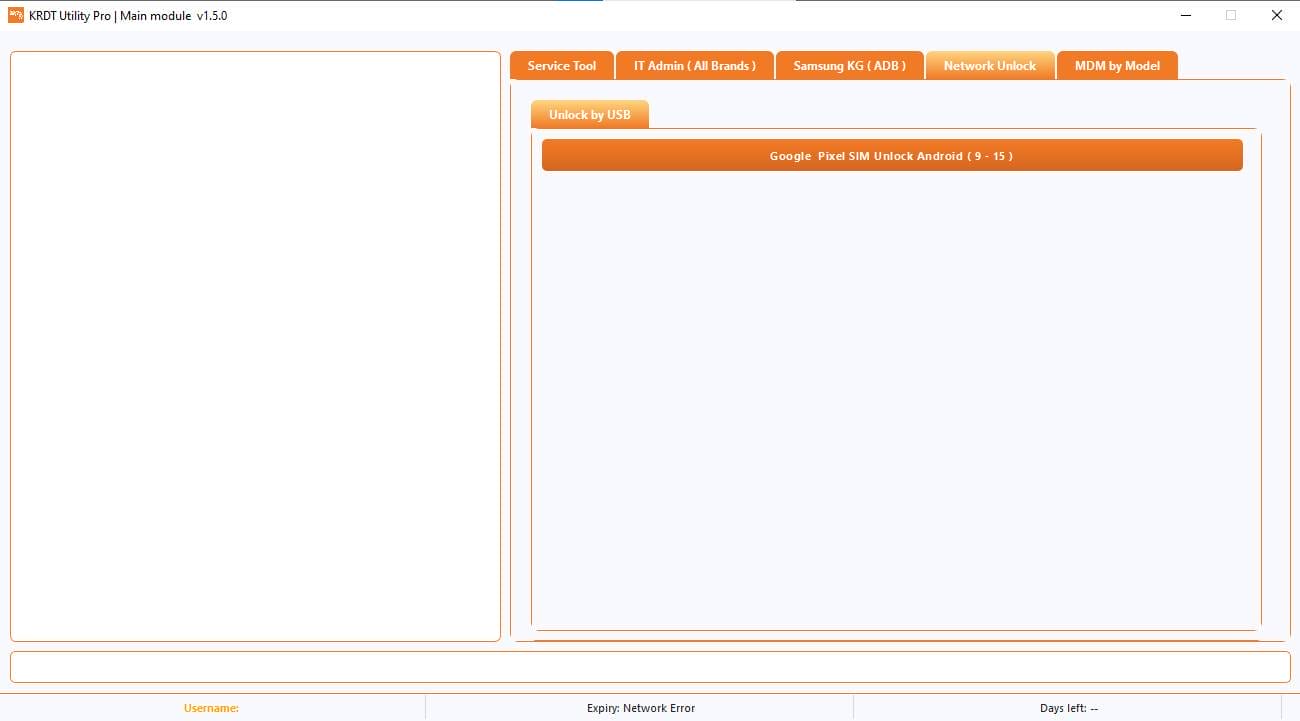
- Google Pixel SIM Unlock – Android (9 to 15)
MDM by Model
Super Device Patch
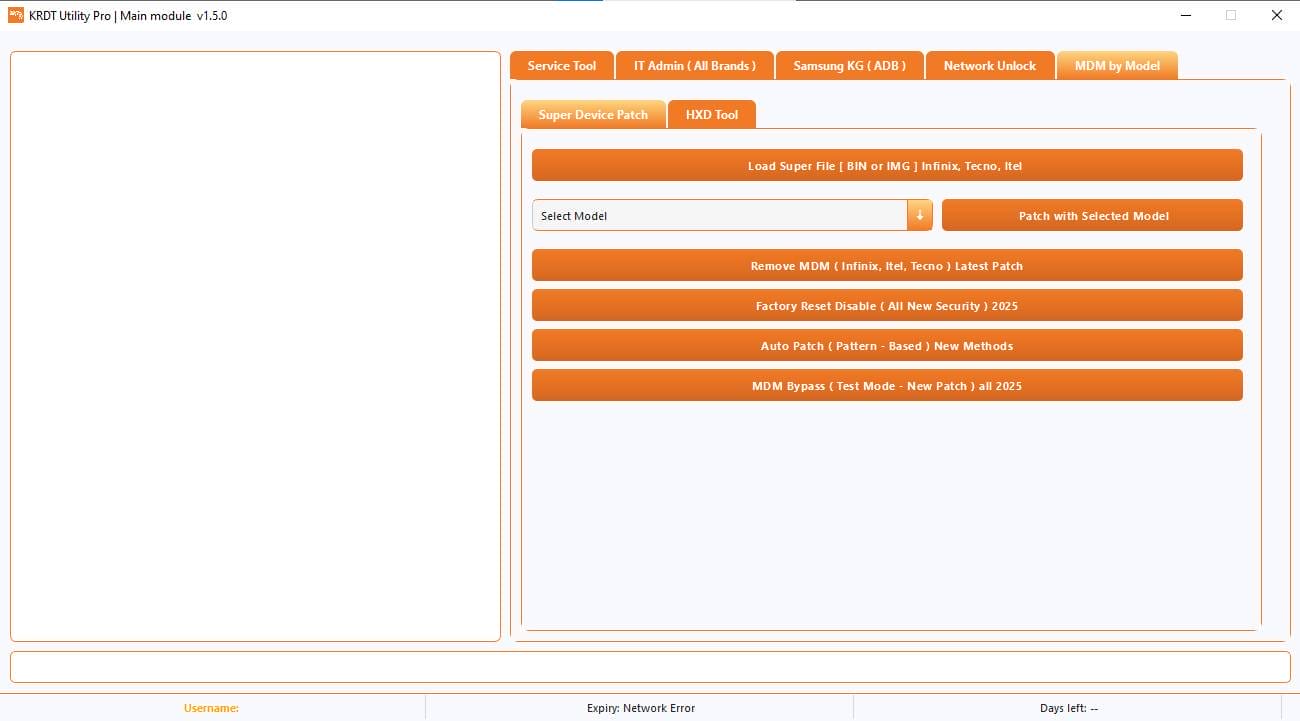
- Load Super File (BIN or IMG) – Infinix / Tecno / Itel
- Select Model + Patch with Selected Model
- Remove MDM (Infinix / Itel / Tecno) – Latest Patch
- Factory Reset Disable (All New Security) – 2025
- Auto Patch (Pattern-Based) – New Methods
- MDM Bypass (Test Mode – New Patch) – All 2025
HXD Tool
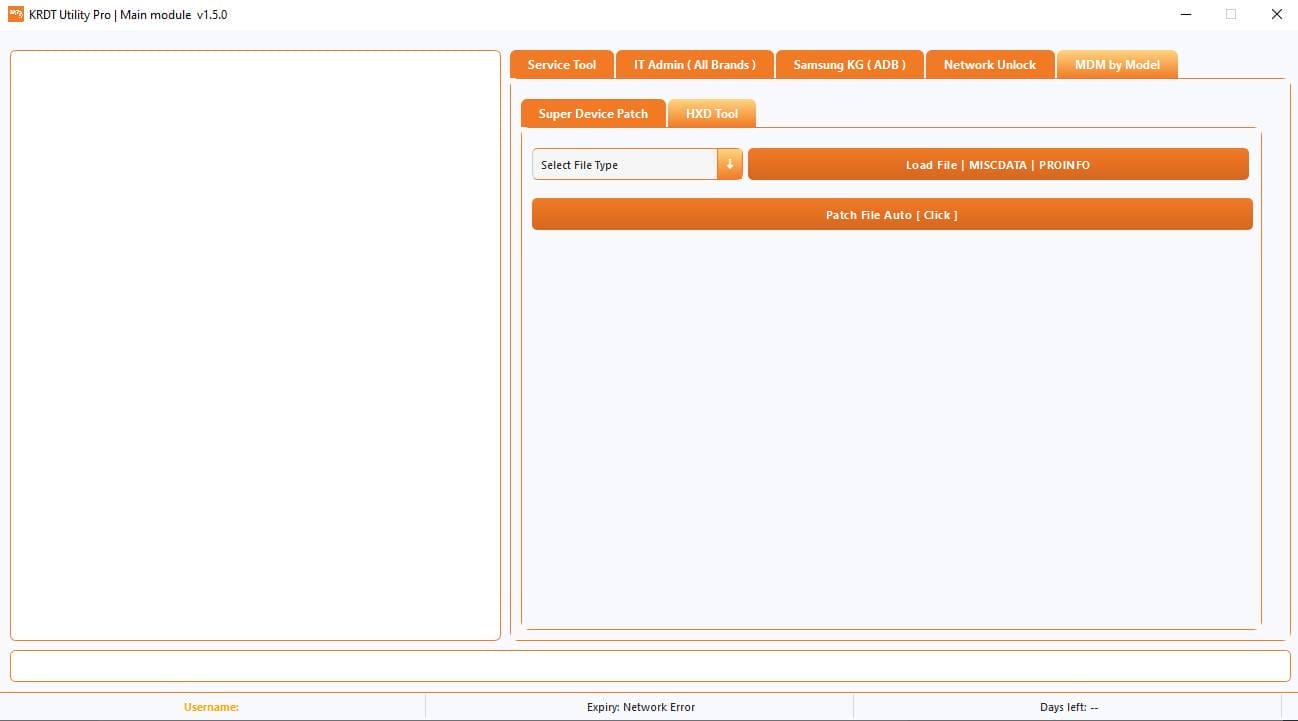
- Select File Type
- Load File | MISCDATA | PROINFO
- Patch File Auto (Click)
What’s New?
Krdt Utility Pro Tool V1.5.0
- New Samsung Kg Methods Added
- Android 14 And 15 Support
- Improved It Admin Removal
- New Mdm Patch Methods
- Super Device Patch Option
- Better Stability
- Clean And Easy Interface
How To Use It?
- First Open The Tool From The Download Option.
- Extract The Rar File And Open The Tool Folder.
- In File Content You Can Find The Setup File By Simply Double-clicking.

- A Setup Will Open In Front Of You. Click Next To Continue.
- Click Next To Create A Shortcut.
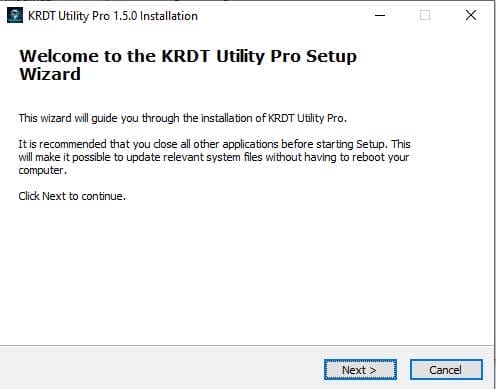
- Now, A Setup Will Open In Front Of You. Click Install To Continue The Installation.
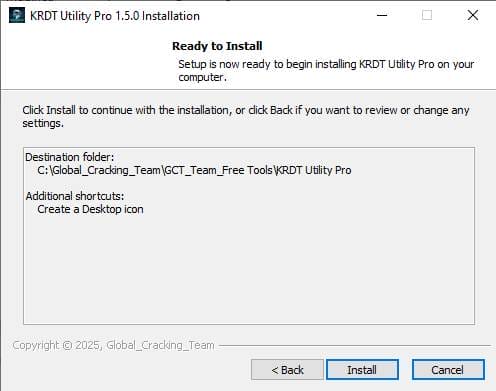
- Now, A Setup Will Open In Front Of You. Click Install To Continue The Installation.
- After Some Time, The Tool Will Be Installed On Your Pc.
- After The Installation Is Complete, Click On Finish To Close The Setup.
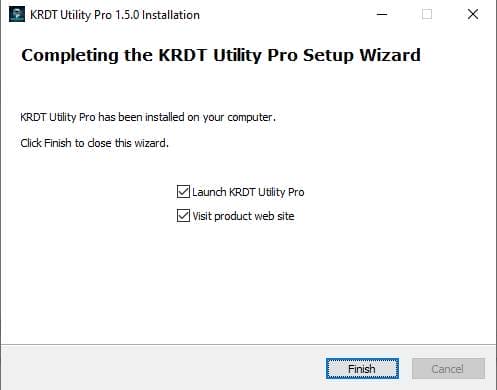
- Go To The Desktop Of Your Pc And Open The Tool.
- Run The Tool As Admin “Krdt Utility Pro Tool”.
- A Login Page Will Open On Your Pc Secreen.
- Enter Gsmatoztools In Username And Enter Gsmatoztools In Password Than Click On Login.
- The Tool Will Open In Front Of You.
- Use The Features You Need For Free And Enjoy!
How To Download?
- Visit The Gsmatoz Tools Website Of The Tool.
- Find The Download Page. Don’t Click The Button, And Click Only The (Download Link)
- “Note: Below buttons are advertisements. Please use the download links above.”
- Once The Download Is Complete, Locate The Downloaded File On Your Device.
- Tap On The File To Begin The Installation Process.
- Follow The On-screen Instructions To Complete The Installation.
Final Thoughts
In Today’s Fast Changing Android Security World Relying On Guesswork Or Outdated Tools Just Doesn’t Work Anymore. You Need A Solution That Keeps Up With New Patches Supports Multiple Brands And Saves Your Time On Every Job.
Krdt Utility Pro Tool Brings Those Essentials Together In One Place Making Complex Tasks Feel Manageable And Structured. If You’re Serious About Android Servicing And Want Consistent Results This Tool Can Become A Strong Part Of Your Daily Workflow.
KRDT Utility Pro Tool V1.5.0
Download Link:: Usersdrive – Mediafire – 4shared – My.pcloud – Playbook – Limewire – Disk.Yandex – DropBox – Mega – Vexfile – Drive Proton






