
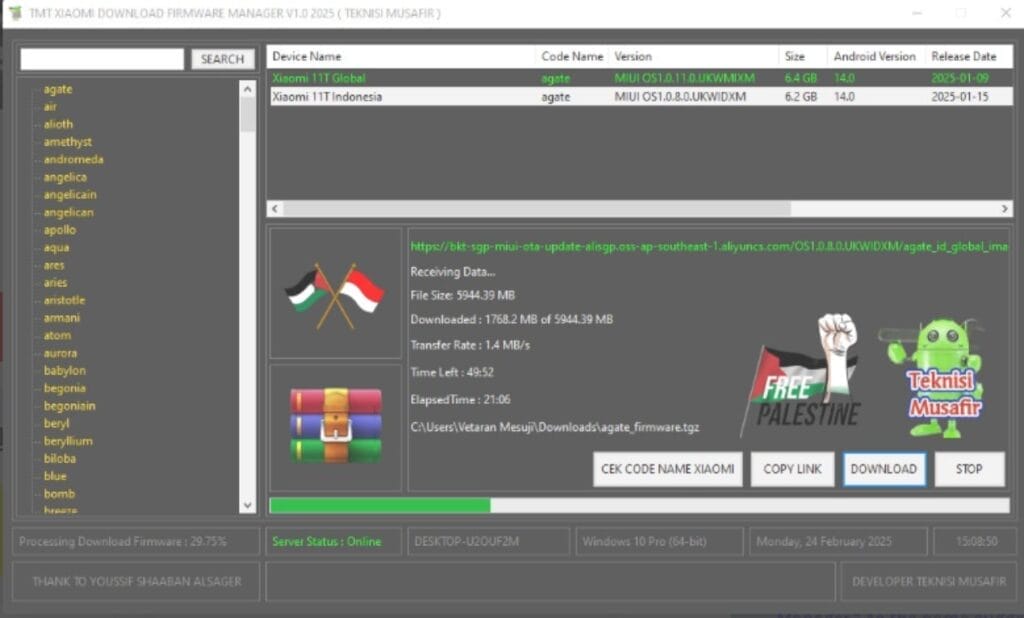
The Tmt Xiaomi Download Firmware Manager Tool Is An Invaluable Resource For Xiaomi Users Seeking To Streamline Their Firmware Updates. This Powerful Tool Enables You To Search By Device Codename, Automatically Fetch Download Links From Xiaomi Servers Manage Downloads With Features Such As Pause/resume/cancel And Support Both Global And Indonesia Rom Versions As Well As Online Server Status Verification – Keeping Your Device Updated Has Never Been Simpler!
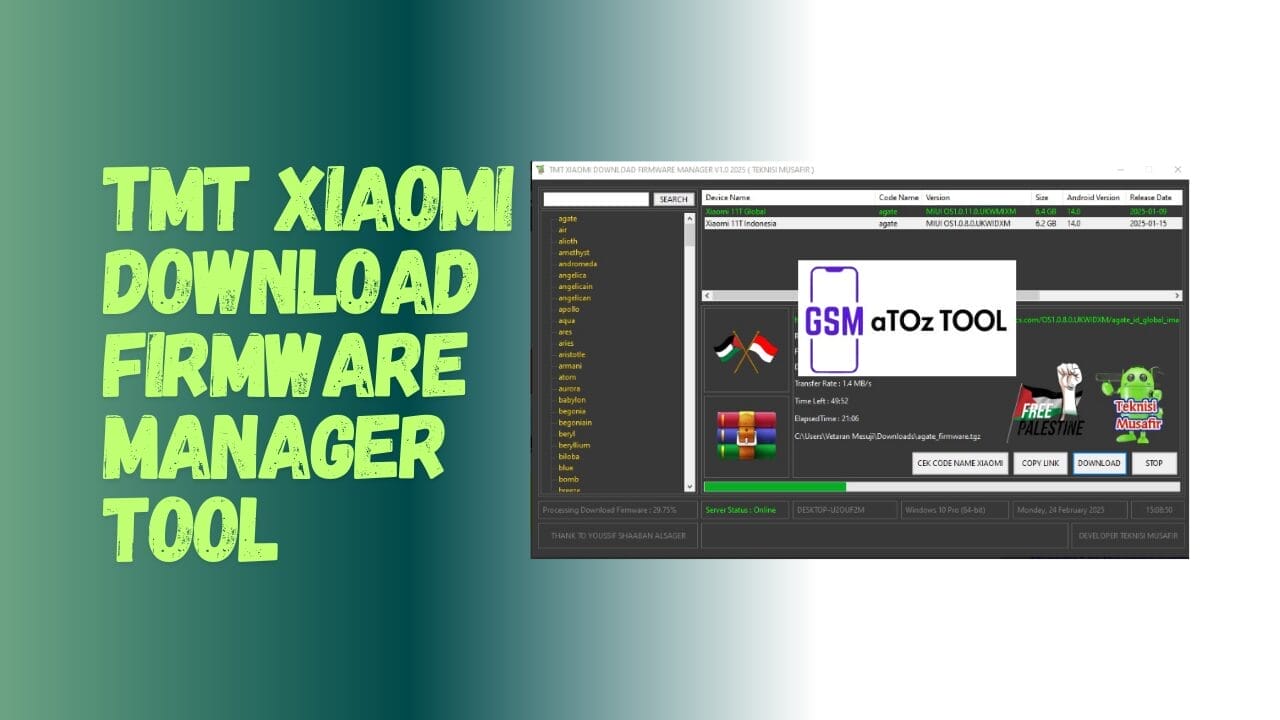
Tmt xiaomi download firmware manager tool v1. 0
Also Read:
Tmt Xiaomi Download Firmware Manager Tool V1.0
Key Features:
- Search For Xiaomi Device Firmware By Codename.
- Automatic Download Links From Xiaomi Servers.
- Pause, Resume, And Cancel Download Options.
- Displays Download Progress And File Information.
- Supports Both Global And Indonesia Rom Versions.
- Online Server Status Verification.
How To Use It?
- First, Download The Tool.
- Extract The Rar File And Open The Folder.
- In File Content You Can Find The Setup File By Simply Double-clicking.

- Run The Tool As Admin “TMT Xiaomi Download Firmware Manager Tool”.
- The Tool Will Open On Your Pc Screen.
- Enjoy Using The Tool.
How To Download?
- Visit The Gsmatoz Tools Website Of The Tool.
- Find The Download Page. Don’t Click The Button And Click Only The (Download Link)
- Below Buttons Are Advertisements.Please Use The Download Links Above.

- Once The Download Is Complete, Locate The Downloaded File On Your Device.
- Tap On The File To Begin The Installation Process.
- Follow The On-screen Instructions To Complete The Installation.
Password: [1111]
TMT Xiaomi Download Firmware Manager Tool
Download Link: Click Here






