
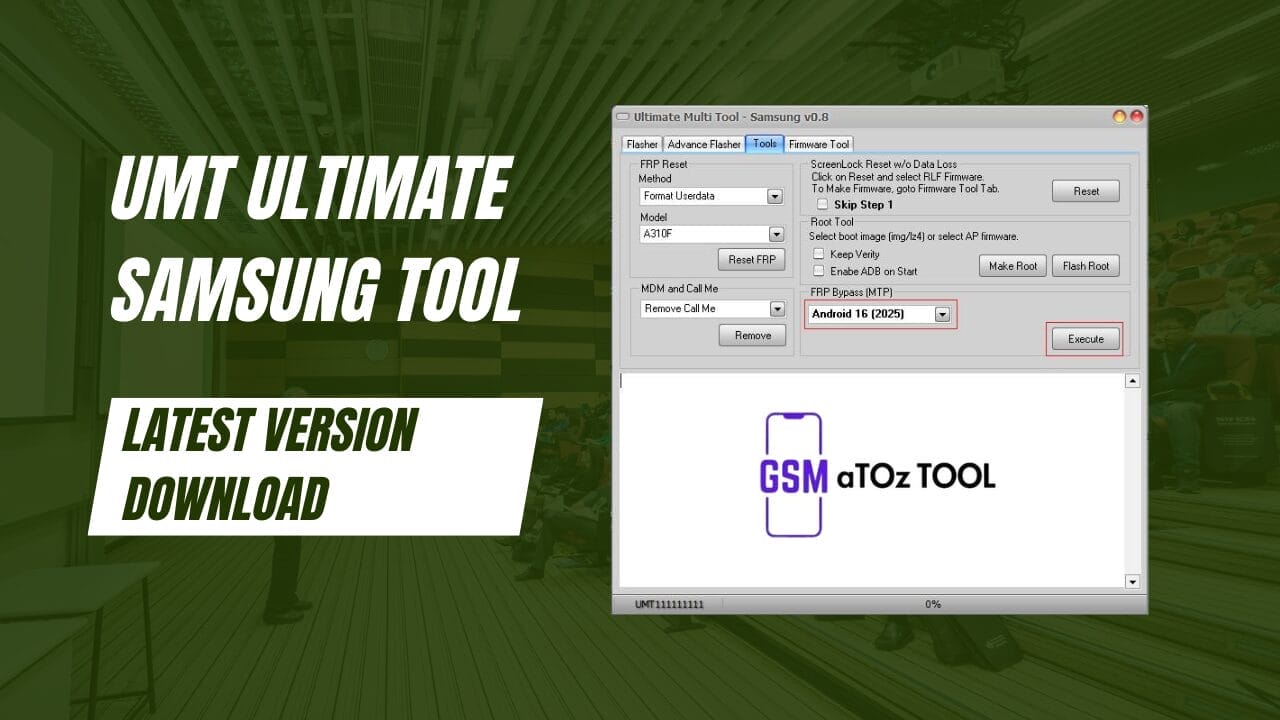
Umt ultimate samsung tool v0. 8 latest version download
Dealing With A Samsung Phone That Won’t Flash, Is Stuck On Frp, Or Refuses To Unlock Can Be Incredibly Frustrating. You Try Different Methods Waste Hours And Still Feel Unsure If You’re Using The Right Tool. That’s Usually The Moment When People Start Searching For Something Reliable And Powerful That Actually Works.
This Blog Post Explores How Umt Ultimate Samsung Tool Helps Solve These Exact Problems With Advanced Flashing, Frp Reset Rooting And Lock Removal Options. You’ll Learn What It Can Do How It Simplifies Complex Tasks And Why Many Technicians Trust It For Samsung Devices. By The End, You’ll Know If This Tool Is The Right Fit For Your Needs And Workflow.
What Is Umt Ultimate Samsung Tool?
If You Work With Samsung Phones, You Already Know How Messy Flashing, Frp Locks, And Rooting Can Get. Umt Ultimate Samsung Tool Was Created To Make Those Tasks Easier Faster And More Reliable For Technicians And Advanced Users. It Brings Multiple Samsung-specific Solutions Into One Clean And Practical Interface.
This Tool Supports Flash Single And 4-file Firmware With Fully Customizable Flashing Options. You Can Use Scenario-based Flashing Choose Exact Partitions With The Advanced Flasher Or Even Skip Reboot When Flashing A Custom Recovery. It Also Includes An Eng Root Option Using Factory Binary Which Helps Unlock Deeper Repair Features Safely.
Also Read:
- FRT Tool v1.7.1 (Qualcomm / MediaTek / ERecovery / Fastboot)
- Mdm Fix Tool V1.0.9.5 Remove Mdm/kg/itadmin
- Free Arabic Tool for Samsung Android 15 & 16
- UMT QcFire Tool V12.9 Samsung Xiaomi ZTE
- iFRPRa1n Tool Free Tethered Bypass For iPhones and iPads
Whatsaap Groups Link:
- GSM ATOZ TOOLS SOFTWAR:: Group Link Join
- GSM ATOZ TOOLS Tech::Group Link Join
- GSM ATOZ TOOLS EXPERTS::Group Link Join
- WORLD OF GSM ATOZ TOOLS::Group Link Join
- GSM ATOZ TOOLS MOBILE SOFTWARE::Group Link Join
- GSM ATOZ TOOLS 🔗::Group Link Join
- GSM ATOZ TOOLS Tech Solution::Group Link Join
- GSM ATOZ TOOLS GENIUS::Group Link Join
- GSM ATOZ TOOLS CONNECTION:: Group Link Join
Join Us On Telegram
- Telegram Channel: GSM ATOZ TOOLS::Link Join
- Telegram Group Link: GSM ATOZ TOOLS:: Link Join
Benefits Of Useing Umt Ultimate Samsung Tool?
One Major Benefit Is Control. Instead Of Following Rigid Steps, You Decide How The Flashing Process Should Run. You Can Flash Only What’s Needed Avoid Unnecessary Reboots And Handle Complex Repairs With Confidence. For Example If A Phone Fails To Boot Selective Flashing Often Fixes The Issue Without Wiping Everything.
Another Big Advantage Is Lock And Frp Handling. The Tool Supports Frp Reset Without Data Loss On Supported Models Frp Reset In Ud Format And Frp Reset In Adb Mode With Auto-method Detection. Features Like Remove Mdm Lock Remove Android Locks And User Lock Bypass Using Special Firmware Make It Extremely Useful In Real Repair Situations. In Daily Work Umt Ultimate Samsung Tool Saves Time Reduces Risk And Keeps Your Workflow Smooth.
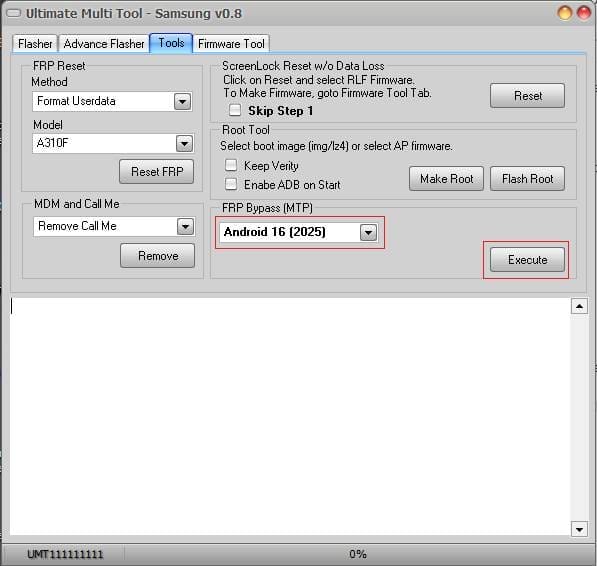
It Also Goes Beyond Basics With Options Like Making Rooted Boot Files Enabling Adb Over Mtp Or Modem Port, And Frp Bypass Over Mtp. Newer Methods Such As Samsung Frp Reset 2023 And Mediatek Frp Reset In Download Mode Ensure Compatibility With Modern Devices.
Features Of Umt Ultimate Samsung Tool
- Flash Single / 4 File Firmware
- Fully Customizable Flashing
- Scenario Based Flashing
- Advance Flasher to Flash partition with files of your choice
- Option to skip reboot, if for example, you are flashing custom recovery
- ENG Root option to root supported models with Factory Binary
- FRP Reset without Data Loss (for supported models)
- FRP Reset (UD Format) for most Samsung Phones
- FRP Reset in ADB Mode, it will auto-select method if the phone has ENG Root
- Remove MDM Lock (Need Root Access / ENG Root)
- Remove Call Me (Need Root Access / ENG Root) – No Relock Method
- Remove Android Locks (Need Root Access / ENG Root)
- User lock ByPass without Data Loss with Special Firmware
- FRP Lock ByPass with Special Firmware
- Firmware Tool to Create Special Firmware for FRP / Userlock ByPass
- Make Rooted Boot to Root Samsung Devices
- FRP Bypass over MTP/Modem Port
- Enable ADB over MTP/Modem Port
- Samsung FRP Reset 2023 Method
- Samsung MediaTek 2023 FRP Reset in Download Mode – NEW!
What’s New?
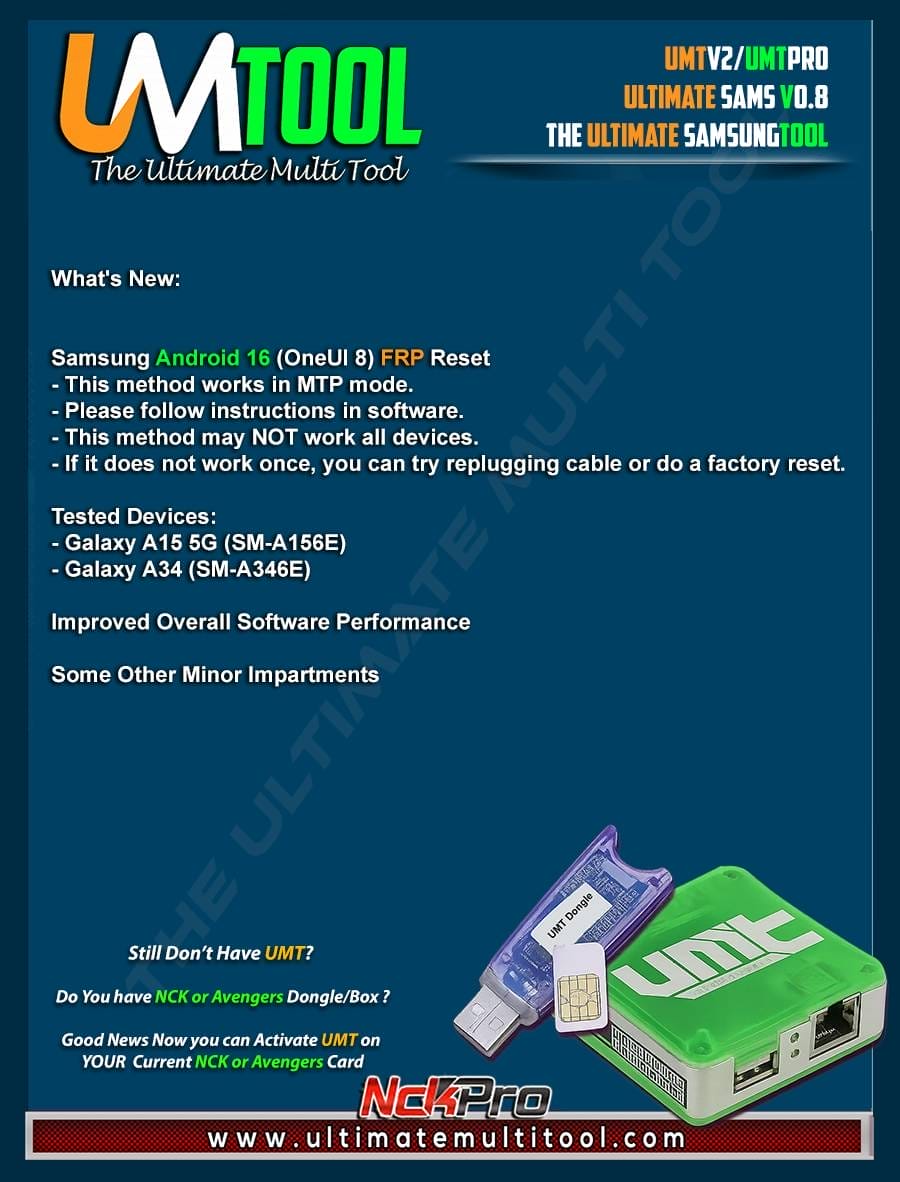
Umt Ultimate Samsung Tool o.8
- Samsung Android 16 (oneui 8) Frp Reset
- Works In Mtp Mode
- Follow On-screen Instructions In Software
- May Not Work On All Devices
- If Unsuccessful, Try Replugging Cable Or Performing A Factory Reset
Tested Devices
- Galaxy A15 5g (sm-a156e)
- Galaxy A34 (sm-a346e)
Improvements
- Enhanced Overall Software Performance
- Various Minor Improvements For Stability And Usability
How To Use It?
- First, Download The Tool.
- Extract The Rar File And Open The Folder.
- In File Content, You Can Find The Setup File By Simply Double-clicking.
- Run The Tool As Admin “ Umt Ultimate Samsung Tool“.
- The Tool Will Open On Your Pc Screen.
- Enjoy Using The Tool.
How To Download?
- Visit The Gsmatoz Tools Website Of The Tool.
- Find The Download Page. Don’t Click The Button, And Click Only The (Download Link)
- You Should Not Download From The Download Button Because It Is An Ad File Link.
- Once The Download Is Complete, Locate The Downloaded File On Your Device.
- Tap On The File To Begin The Installation Process.
- Follow The On-screen Instructions To Complete The Installation.
Conclusion
Overall, The Umt Ultimate Samsung Tool Stands Out As A Powerful Yet Flexible Solution For Samsung Phone Servicing. It Combines Advanced Flashing Rooting Frp Removal And Lock Bypass Features In One Place Without Forcing Complicated Steps.
If You Want Better Control Fewer Errors And Faster Results This Tool Is Worth Considering. Whether You’re Handling One Device Or Many It Helps You Work Smarter And With More Confidence.
Umt Ultimate Samsung Tool






